display heart rate on karoo 2
Answered
I am having a difficult time configuring the screen for while riding. I want to see, in order of importance:
1 heart rate
2 speed
3 cadence
4 grade
5 ascent
And I strongly prefer to see these while the map with current position and selected route is being displayed. What are the steps to configure this K2 for these displays?
-

Hey Bryan, you may be able to add only 4 data fields along with the map. Check here: https://support.hammerhead.io/hc/en-us/articles/360054935614-Profile-Layouts-Legend
For setting up the profile, check this article: https://support.hammerhead.io/hc/en-us/articles/360051594334-Karoo-2-Creating-and-customising-Profiles-
-
I am looking there, but having a few difficulties.
The second section is titled 10 Map Layouts
The first K2 image shows the map occupying the entire screen, except for ride time and clock time. None of the layouts show this configuration. Does the horizontal squiggle line represent the map?
If so, they could do much better. Show a thinner line that makes a few turns and the direction triangle indicating current position.
What is the difference between the solid squares and trapezoids and the hollow rectangles? What does each represent?
All said, I am better off than before and thank you for taking the time to reply.
Edit: The "Long touch" and the swipe down do not work for me. Instead I have field "Edit Layout"
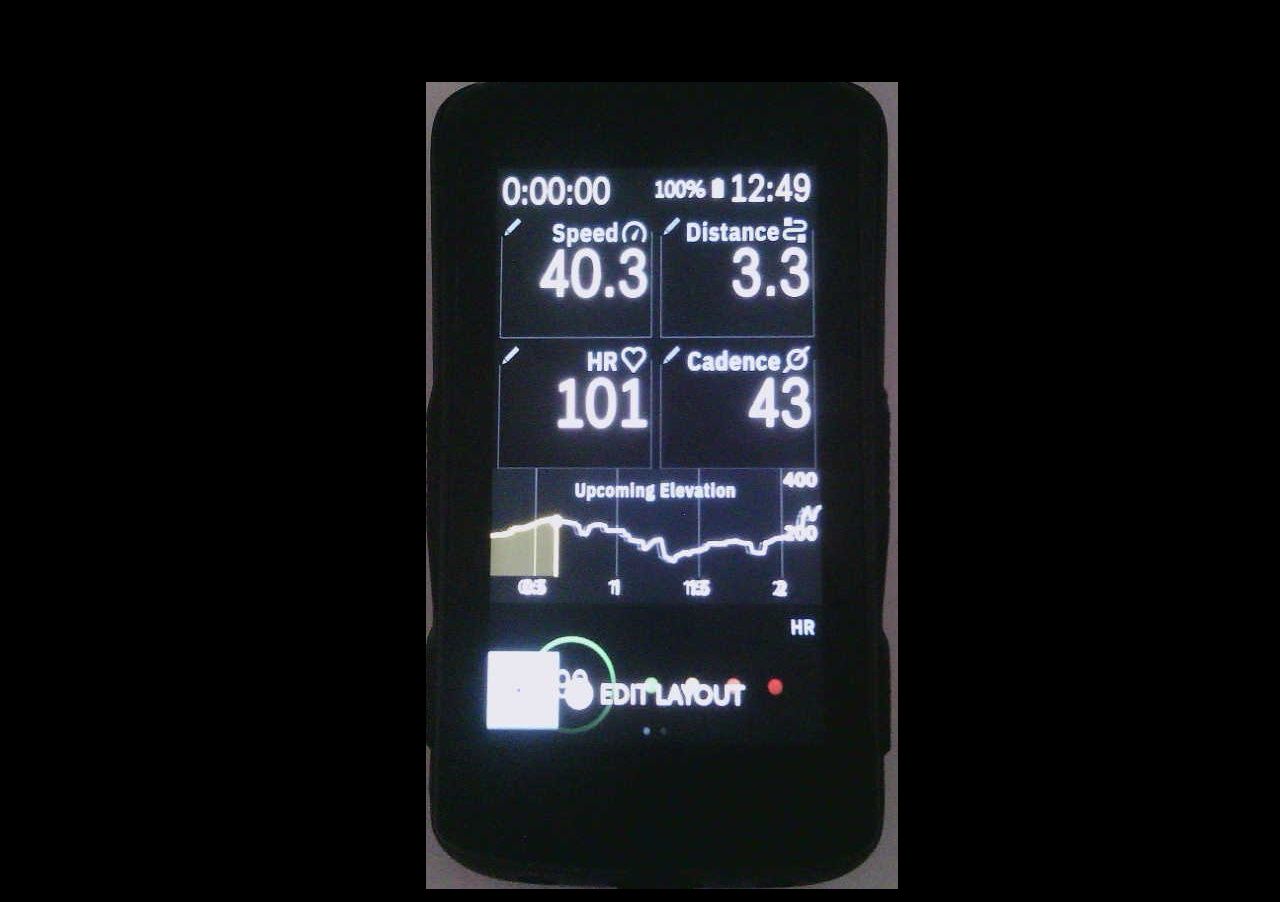
I think it is configured now. But, the instructions need updating. And I request an easy to find list of the buttons and touch fields.
Please sign in to leave a comment.
Comments
2 comments