Layout questions?
Answered
I`m missing some things in the layout of the unit:
1: The coloured circle around the heartrate to tell wich zone you are in.
2:The coloured dots to tell if you are above or below yor average speed/cadence/heartrate/power.
3:The possibility to have a graphical layout in every size of field.
4: A lot of options in field size are missing, four big fileds with two numerical and two graphical fileds, six small fields are missing for example.
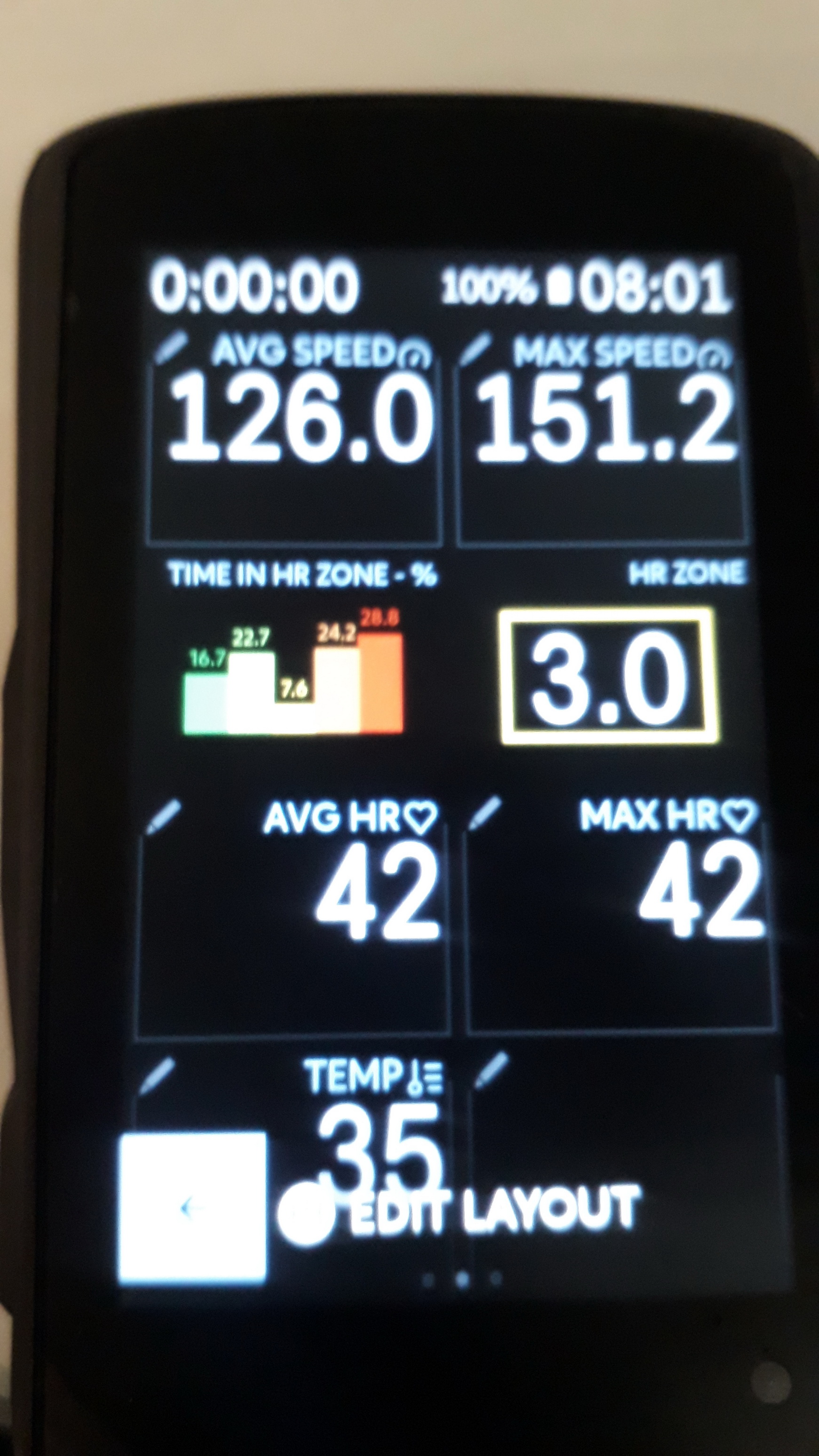
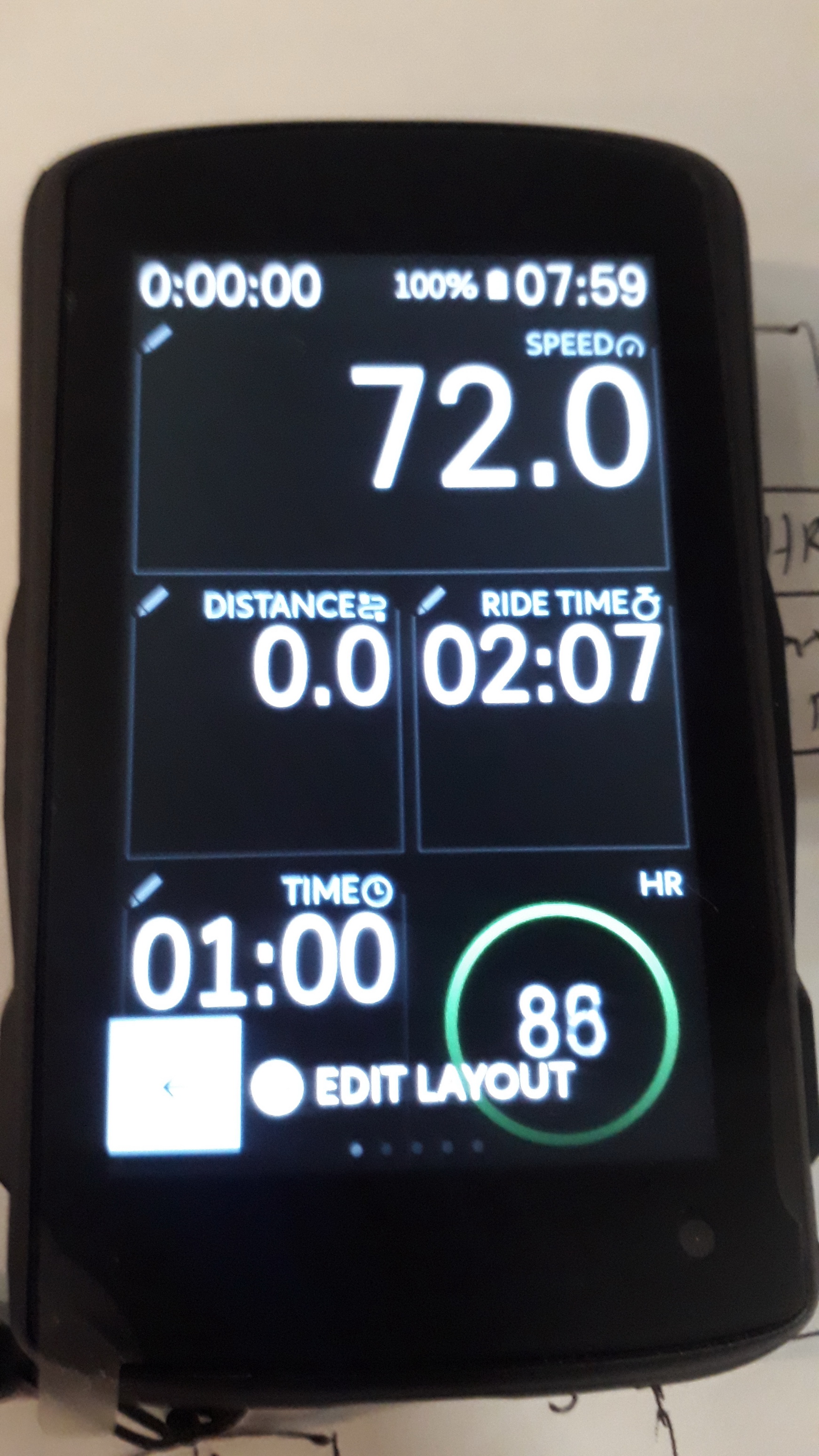
5: In the old Karoo 1 you could choose much better if you wanted graphical or numerical layout in the fields, and that still works in my Karoo 2 in my old setups, but it`s not possible to choose that layout in a new profile. As you can see in my added pictures I have both the cicrle around my heartrate, and graphical fields in two of my small fields with "Time in HR Zone" and "HR Zone"
I`ve asked about this before but never got any answer so here you have the question again: Why did you change the layout setup so that you have to choose in the beginning if you want a graphical field or a numerical field in the layout, instead of the way you had from the beginning when you could have each one of them in every field of choice? It`s clear that the old profiles still works so why can`t we choose them anymore in a new layout? The old way was much better with a lot more options of layout to suit everyones needs better.
The best way to edit the layout would be to first choose how many fields you want, next you choose the size of the fields, and in the final step you choose if you want a numerical or a graphical setup in each field (even better if it was from the beginning when you only added the field of choice, when the unit didn`t bother if it was a graphical or numerical field, it just worked).
-

How did you get those data fields in the smaller boxes?
Mine only gives the layout option for it to capture an entire line.
Ex, I have I want the circular HR like you have in your second image in would occupy both slots on the bottom. Same with your first time, you have the 'time in HR zone, and HR zone; both each in one box, I have no option to do this or at least i don't see one.
Can i ask which template you chose to do this?
-

I believe if you created the profiles before HH introduced the updated UI then your options carried over. The update removed some features such as the traffic light av speed etc he mentioned and some profile options. Any profiles created since the update cannot select the layout as you see in the pics.
Its not a K1/2 thing just UI
-
Yes, it's pictures from my new K2, but the profiles are from the old K1, and I don't want to dekete them because they are much better than the new UI that they have now. I don't jnderstand why they did that change when the old ones still works, and it was a lot easier to setup a progile the way you wanted it in the old UI, I was certsin that the K2 voukd do it that way nut it was a bi disappointment when it was just as rhe K1 in that way.
-

Hi All, we would love to see these options back again as well. Be prepared for it as we will be re-introducing them soon - the reason it was removed was due to scalability issues on those field size and fonts in preparation of the Karoo 2. Also, the trend icons, for the averages wasn't working as expected and there was a need to re-work on the algorithm and implementation.

Please sign in to leave a comment.
Comments
10 comments