[Feature Request] Climb pro
Completed
Hi,
I went on a cycling trip for 2 weeks in the French Alps, and I am so excited about the Karoo2. I used to have a Garmin and my cycling friends still have, but the Karoo2 is just a better and a more modern device. No doubt about it.
There is just one thing that im missing, and that is equivalent of Climbpro for Karoo. I think thats really missing now, and if Karoo2 supports this, it is the ultimate Garmin Killer, because who needs those tons of features, who no one uses daily right?
-

Hey All,
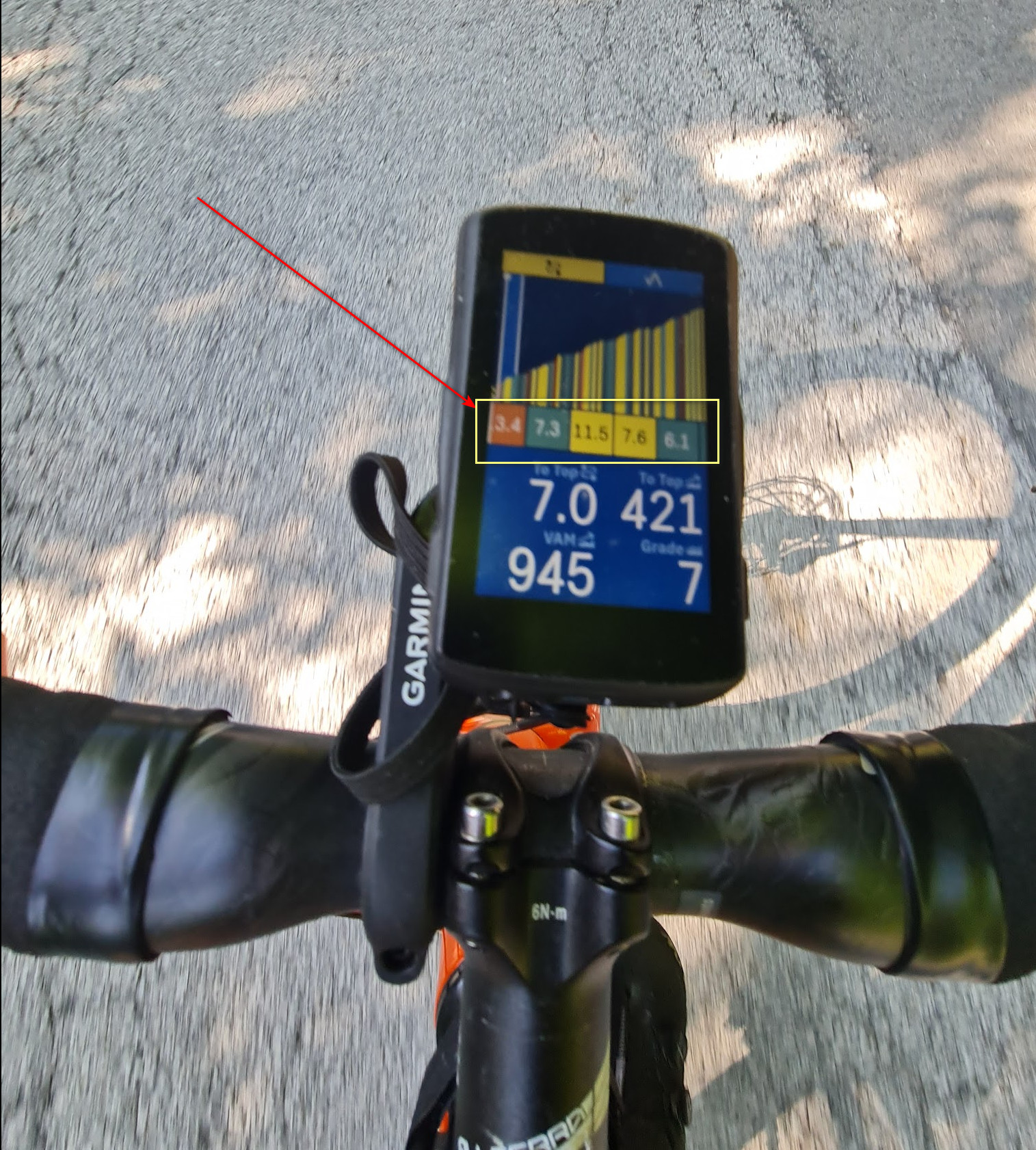
We do know you all waited a long time for this, I am very excited to let you know that we have rolled out our version of this feature which we call “Climber” in today’s Software release! :)
Do go ahead and download it as soon as it is available and let us know your thoughts! We are very excited to hear them :)
Here is the Knowledge base article on the feature: Climber
-

Just updated and I really LOVE this option. But... It's possible to disable it for a profile, or for a ride?
I have two profiles: the usal profile where in the map screen there are time and distance to end, and a climb profile where i have the altitude graph over the map. It's very useful because i can understand "where I am" :-D In this second profile I don't need the clib tab...
-

hey, I just noticed that on webpage describing this features, it shows a map page (before the climb tab gets activated) that shows directional arrows on the route. I thought that was a requested but not yet implemented feature? I just tried starting a ride with a route and yes no arrows. So is this a hint that arrows are coming?
Thanks.
----
Saad


Please sign in to leave a comment.
Comments
13 comments