Junk on dashboard map

I do not need, use, or want any of the circled boxes to appear on the dashboard map. How do I get rid of them? Yes, I know there is an arrow to minimize the bottom thing but that is even too much for me to have on that map.
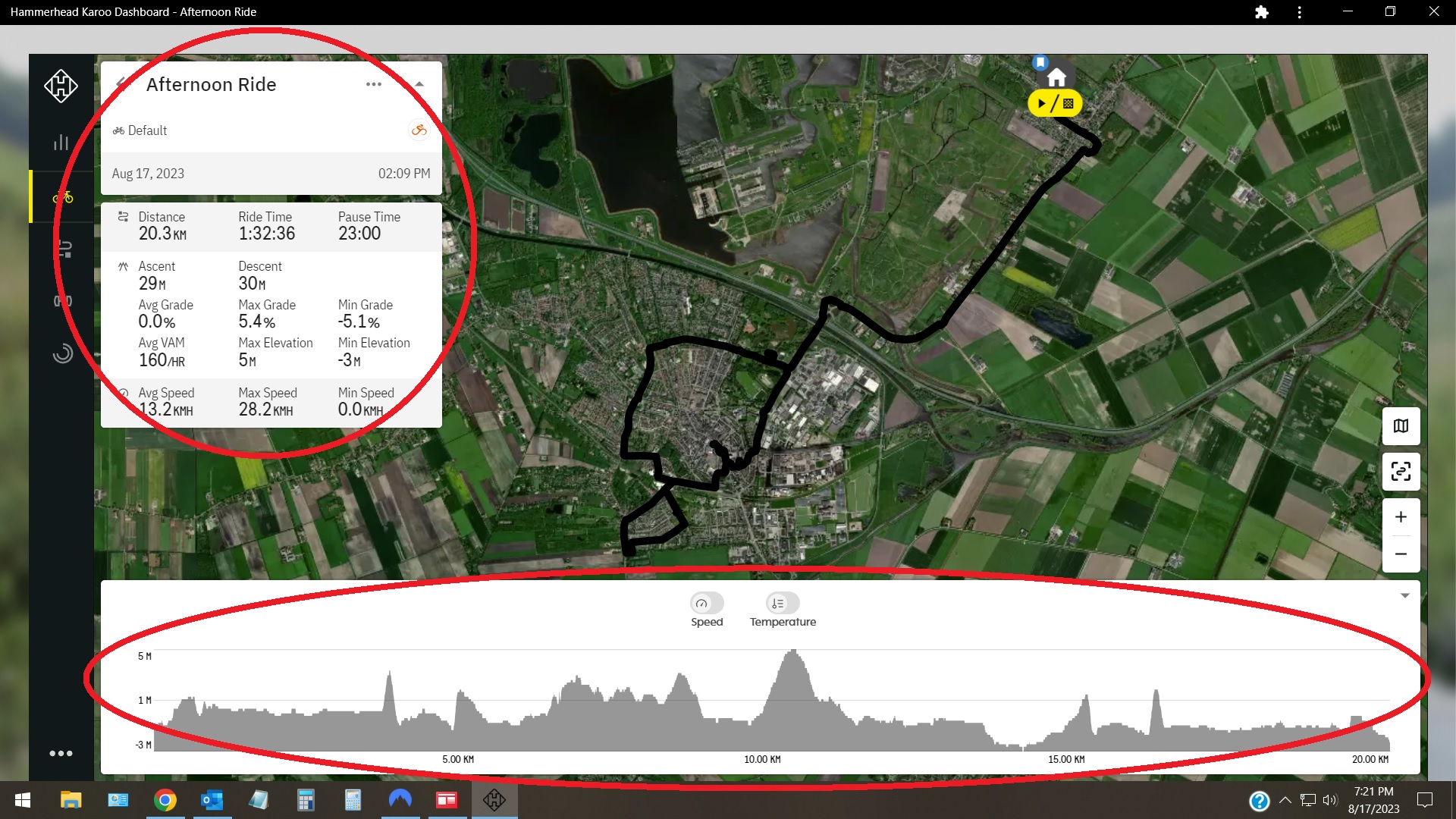
-

Hello William,
You are looking at Ride Data of a completed Ride, so that is what it is showing (there is obviously no minimize option as you state). For me it is logical that you see all data.
What you could consider is creating a Route from the Ride and then look at that. You will see a full map screen if that is what you want. This is a 2 second action, maybe followed by a delete if you do not want to keep the Route.
Otherwise you will have to make a Support Request, but I wouldn't hold my breath. As mentioned you are looking at the Ride Data of a Ride and that is what HH is presenting to you, not just a section of it.
-
Thank you MikeF for responding,
50-years ago I may have been interested in all of that ride data but not now. All I want is to be able to go over the ride route that I had completed. With so much of the map covered it really is not pleasant to sit down with my better half and show her where I went. However, the other day I discovered that if I click on the Ride with GPS logo then I will see my ride on that map - which I can make full screen and without any disturbances on the map. I made an account with Ride with GPS when the Karoo first came out and I was trying to learn how to do routes. I later gave up on trying to create a route with HH, or Ride with GPS, or even with Google Maps. This happened when I had figured out that if I just plot one point as the start and stop point for where I want to go, my Karoo will route me right to that spot which is a very easy and handy way to do business.
Again, thank you for taking the time to respond.

Please sign in to leave a comment.
Comments
4 comments