Duplicate Profile Page

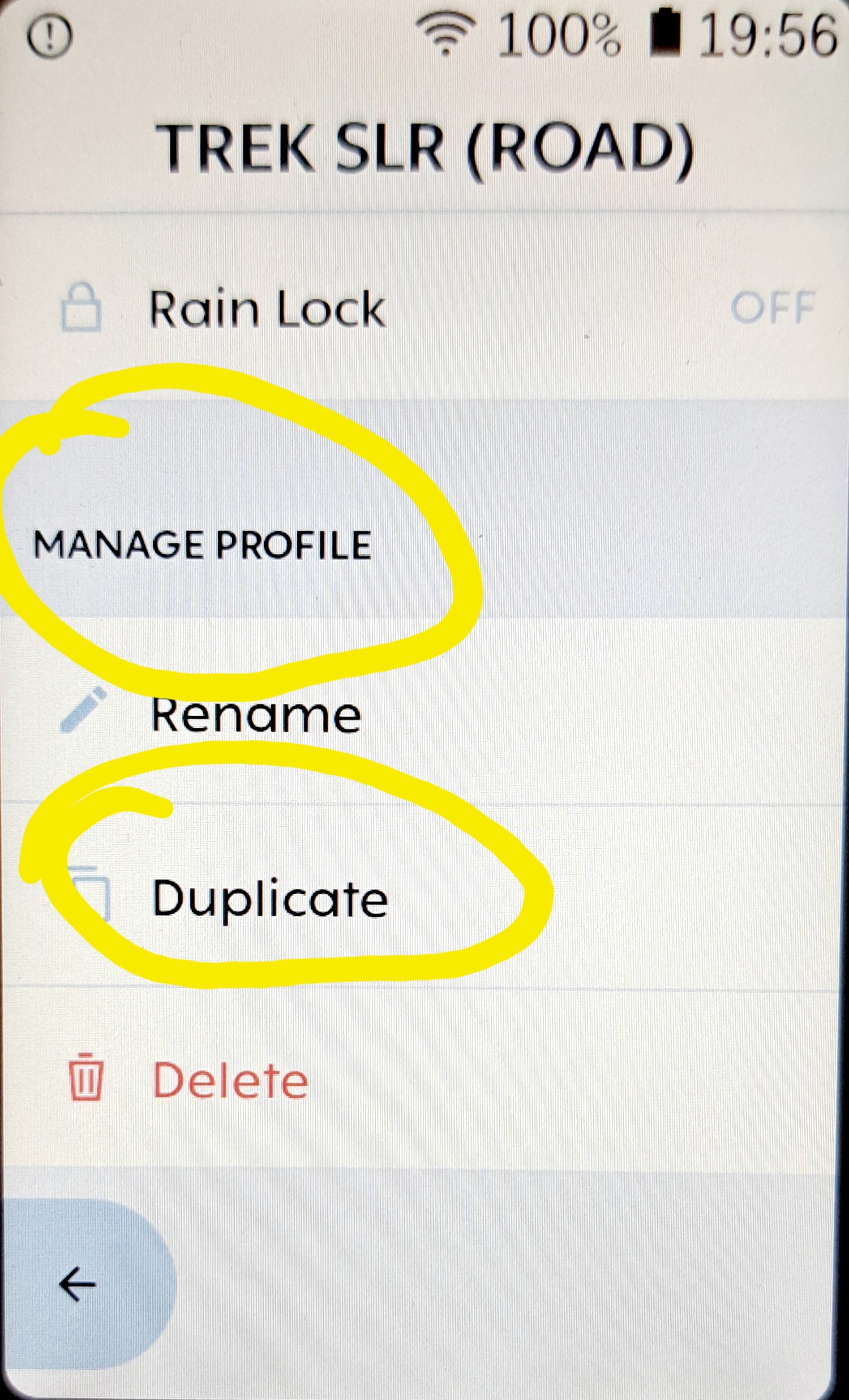
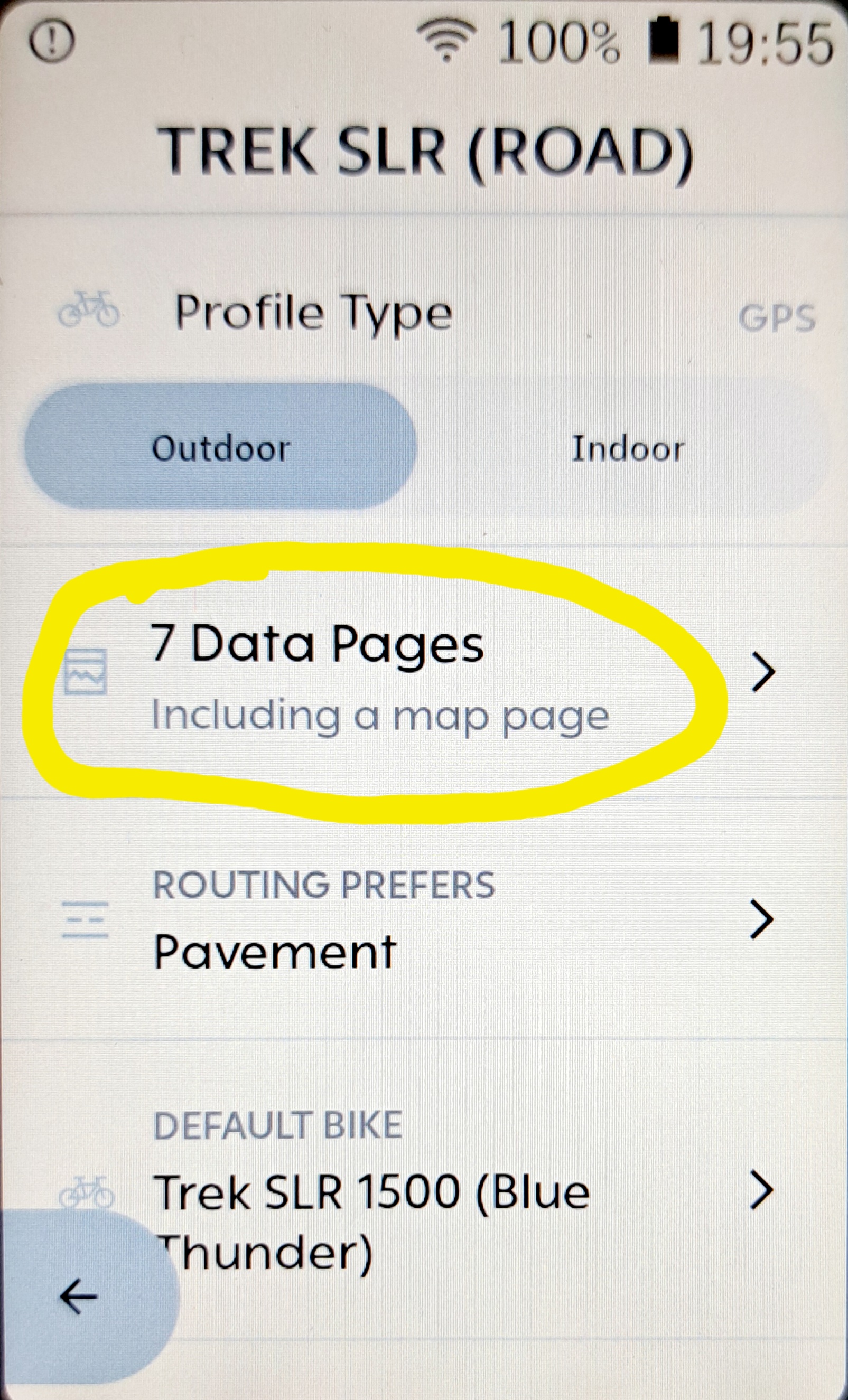
It is possible to duplicate an entire profile, but I do not think it is possible to duplicate/ copy a Profile Page yet. Can anyone please confirm. Ideally Pages can be copied/moved to another profile. With the name of the Page staying intact. Much thanks for assisting.
-

Hi Marcus, Currently, there isn’t a direct option to copy or transfer a Page from one Profile to another. Each Profile’s pages need to be created and customized individually. However, I completely understand how useful this feature would be, and I’ve shared this feedback with our product team for future consideration.
Please sign in to leave a comment.
Comments
4 comments