Feature request: Switch over from qwerty to qwertz keyboard
Answered
Hi HH-Team,
I hope you all had a merry x-mas so far... 🥳
Can you please introduce a switch in the settings to make a change over from „qwerty“ to „qwertz“ keyboard possible? This would make quite a lot people happy living in EU mainland... 👌🏻
Many thanks and best regards
Andi
-

Hey Andi,
Merry Christmas to you too!!
I am not sure if the change of keyboard type from querty to quertz would help our complete user base. However, I would be curious to know what challenges you face while the keyboard type is set with querty keyboard.
Nonetheless, I have taken your suggestion and will forward it to our Product team. But, want to know if that will affect or prove beneficial for all our users.
-
Many thanks for your quick reply...
@Abhishek: At least in Germany, Italy... the Keyboard is of a „QWERTZ“ Type... in simple words... „Z“ and „Y“ are simply switched...
- when I type in names for the routes incl. saving them
- if I navigate to a place I search...
- naming Profiles... etc...
- when I use a sideloded app like browser...Whenever I use the keyboard it’s helpful...
Not of a top priority, but something which makes the product a bit more customised... and more native to use... :)
I can not imagine that this it takes a too huge efforts to introduce this via a switch in the settings...Many thanks!
Andi -

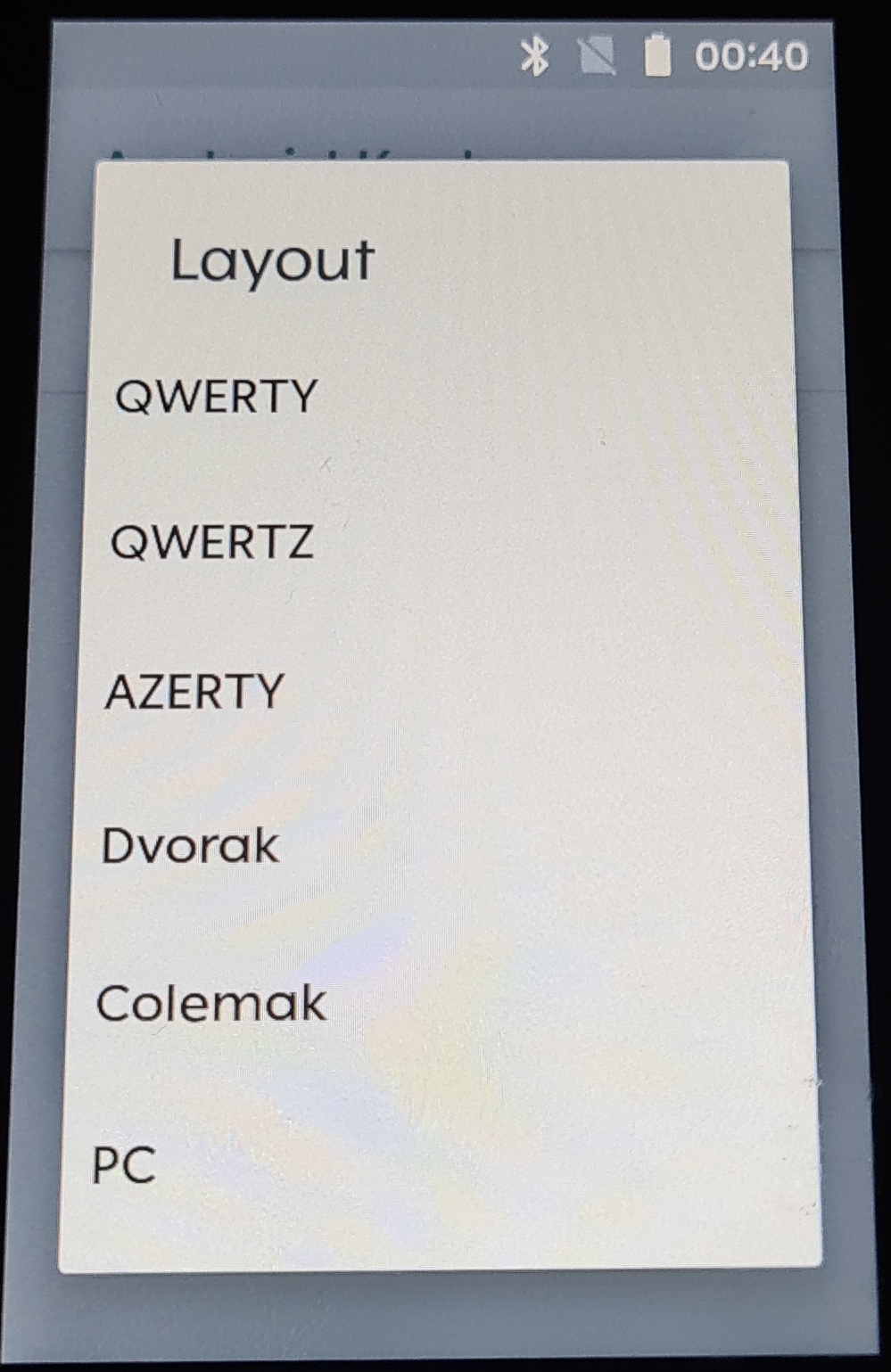
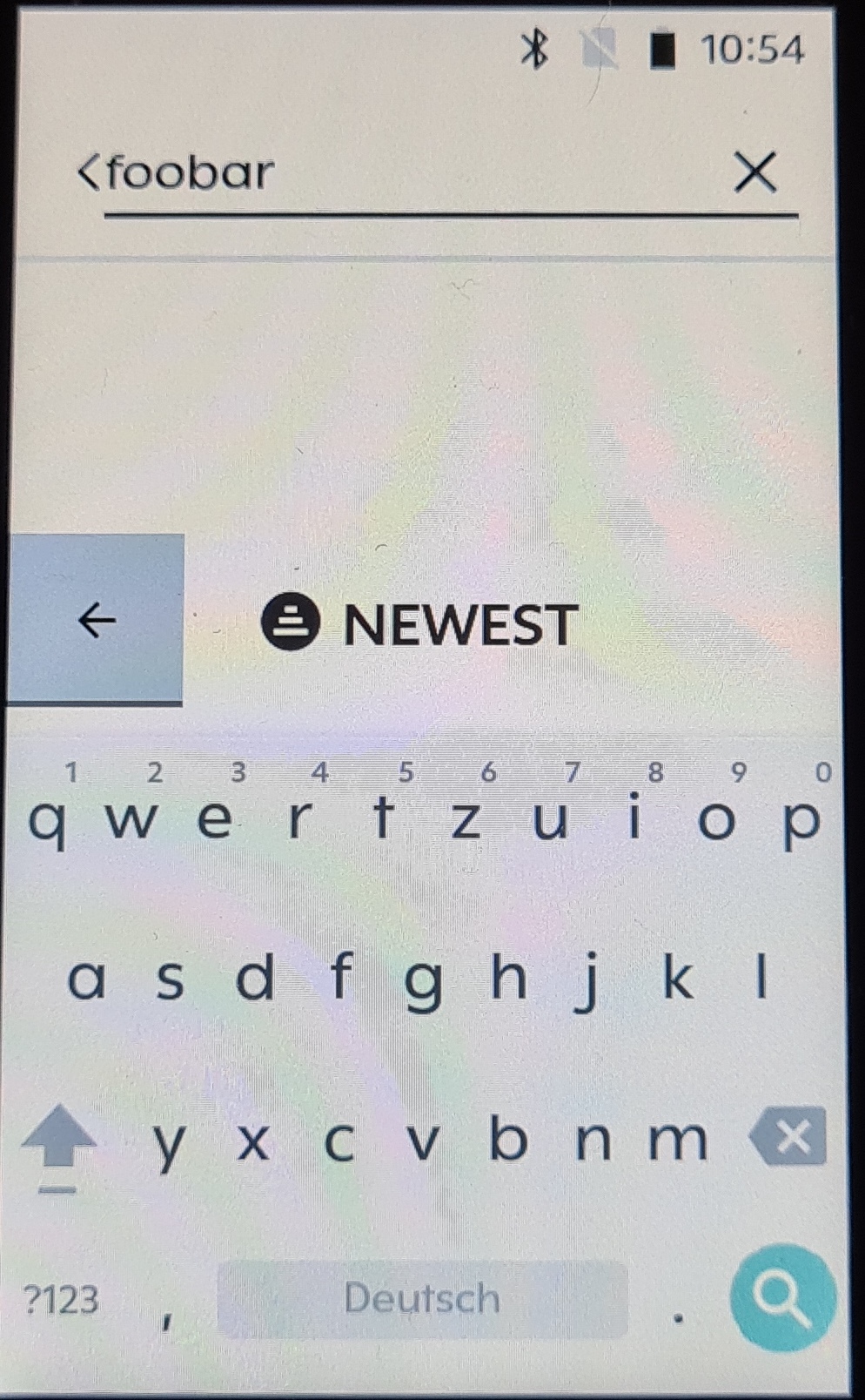
you can configure multiple languages and keyboard styles in karoo 2.
when you see the keyboard, press and hold the "," key until the settings icon appears.

i selected english and german. the keyboard layout changes automatically when you switch the language via the space bar, the languages icon or the status bar.

you can even create custom styles via the keyboard settings.


Please sign in to leave a comment.
Comments
9 comments