Homogenize touch to zoom

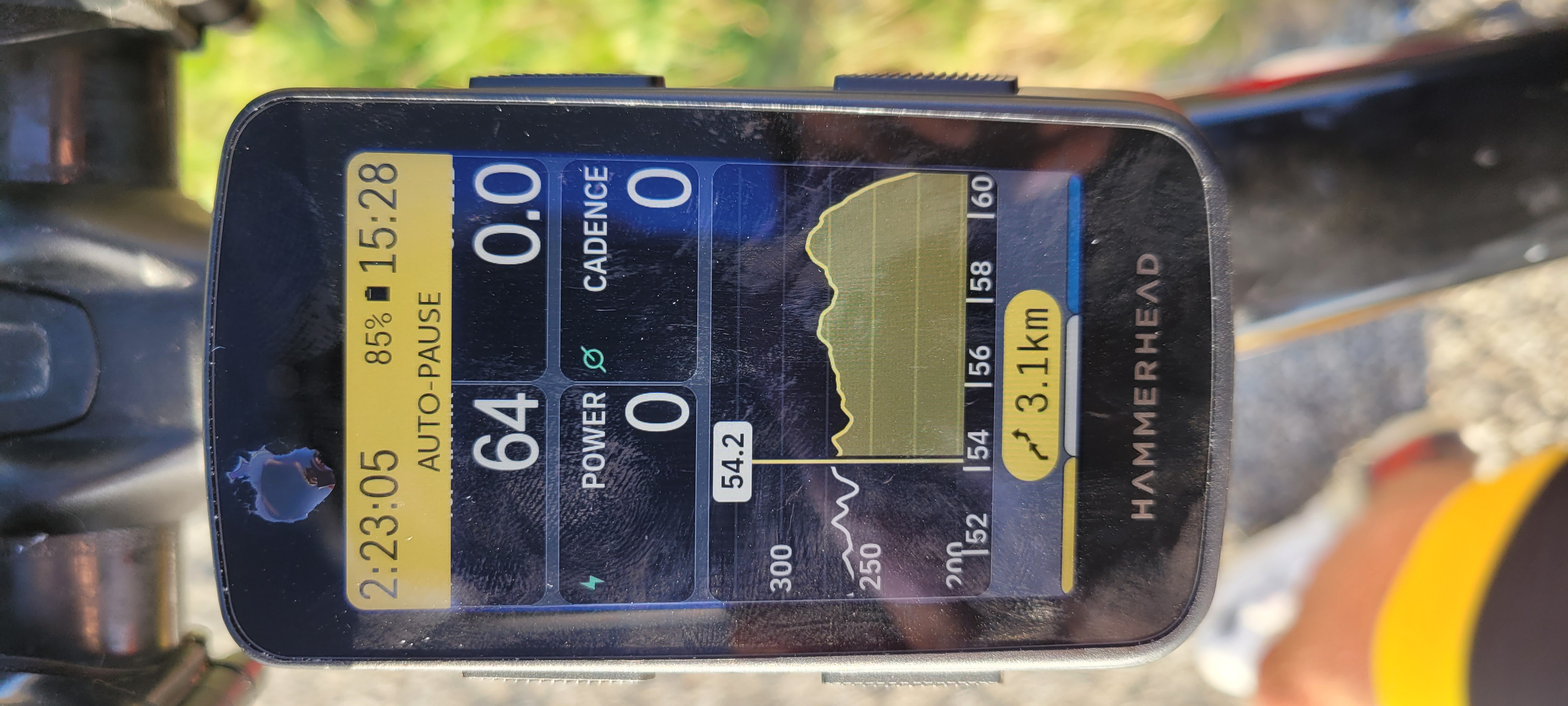
On the route map, tapping twice with 1 finger zooms in, while tapping once with 2 fingers zooms out. On the route profile, tapping once with one figer zooms in, while tapping twice with one finger dezooms out. In both cases, the profile is an endless loop.
Would it be possible to define a single type of action, one for zooming in and one for zooming out, whatever the map or profile display?
-

@Marc Pontif There are 2 ways of zoom control by using the physical buttons:
- Press the Bottom Left button on a Map Screen -> to toggle between 3 Zoom levels.
- Press and hold the Top Left button to Zoom Out < - > Press and Hold the Top Right button to Zoom In.Touch control by touch:
- Pinching the touchscreen with two fingers. (and 3 fingers in a vertical way ;-)https://support.hammerhead.io/hc/en-us/articles/25539382949147-Karoo-OS-Zoom-on-Map
-
@Gerard van Rijn. Yes, of course I know how to use the zoom buttons that I've been using all winter with gloves. But since the weather has become milder and I can use my fingers, I can't understand why Hammerhead has chosen two types of manipulation for zooming with the fingers. Both are fine, but why not have the same one for all screens would be much better.
Please sign in to leave a comment.
Comments
4 comments