Trails on map doesn't show same details anymore

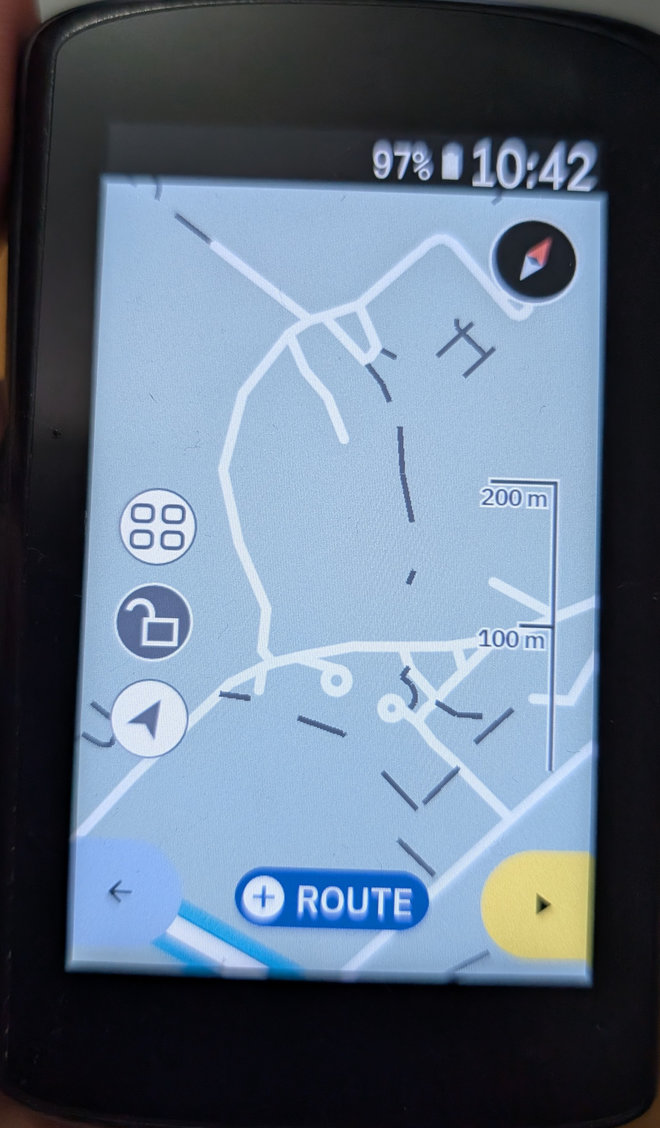
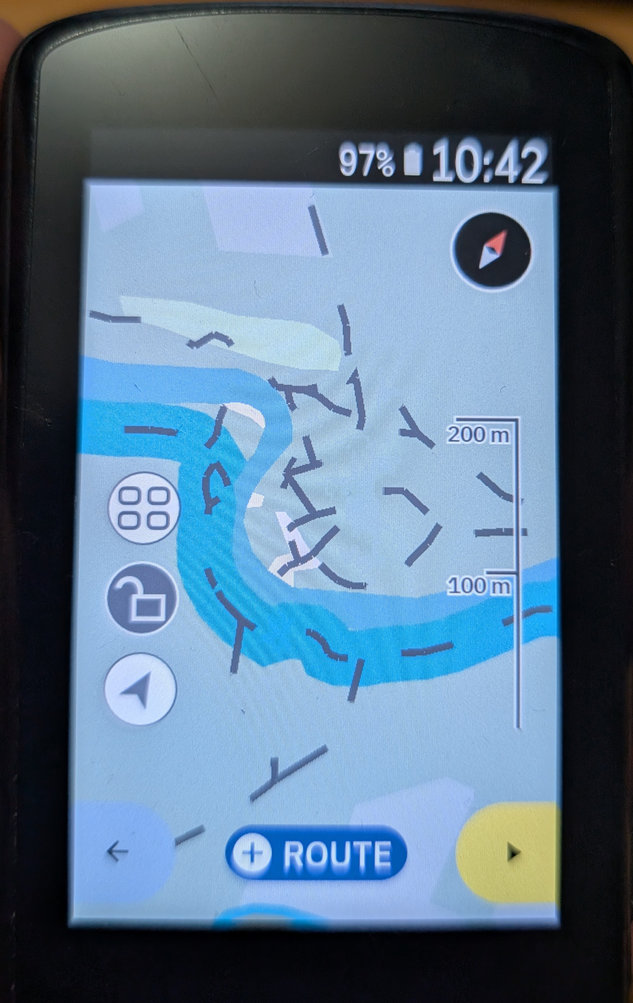
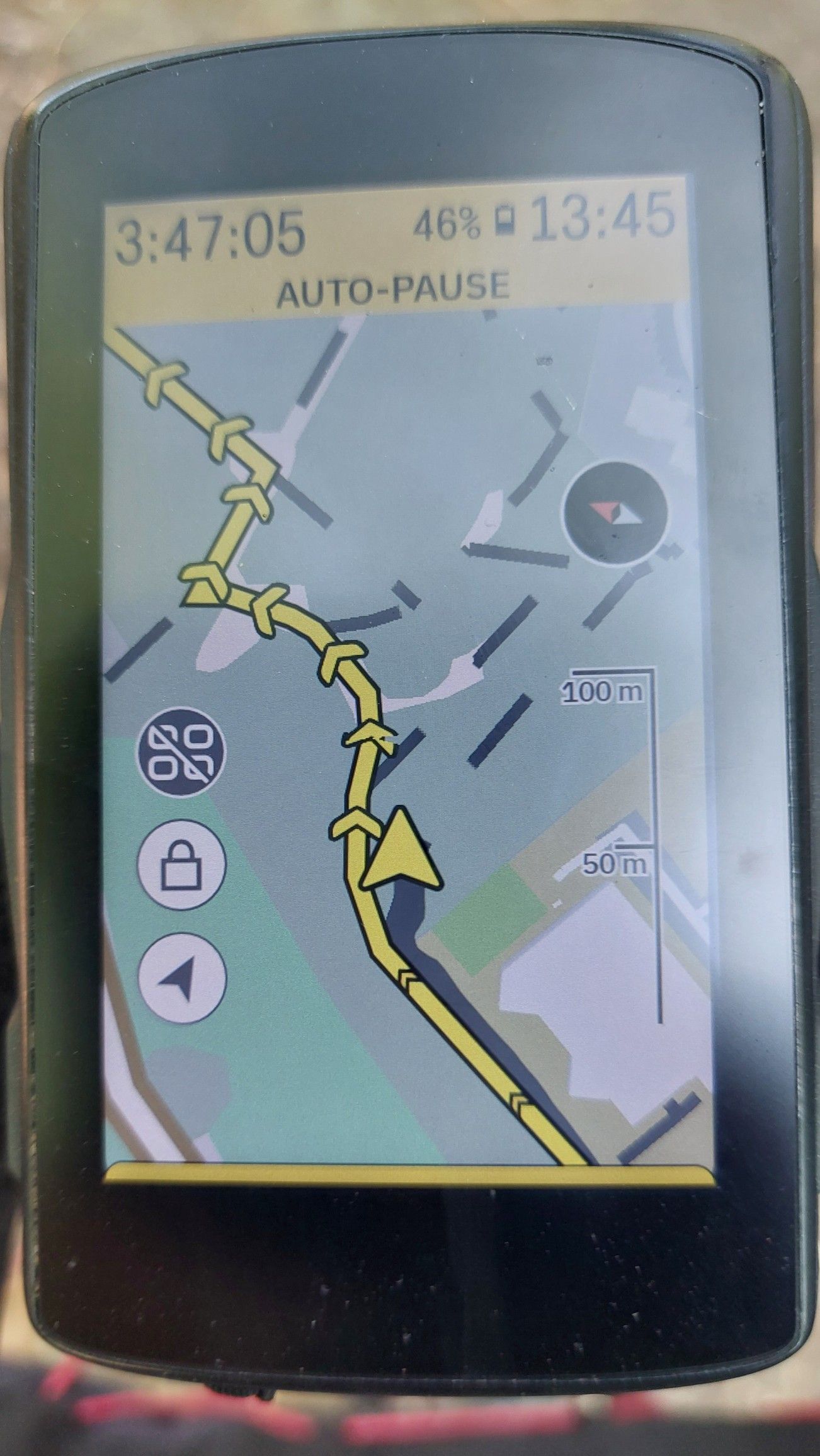
I think this problem showed up after the latest release (1.559.2149.12) on my Karoo2. All trails are now displayed with long dashed lines and large gaps at all zoom levels, making it way more difficult to see trail details properly. Anyone else experiencing the same problems?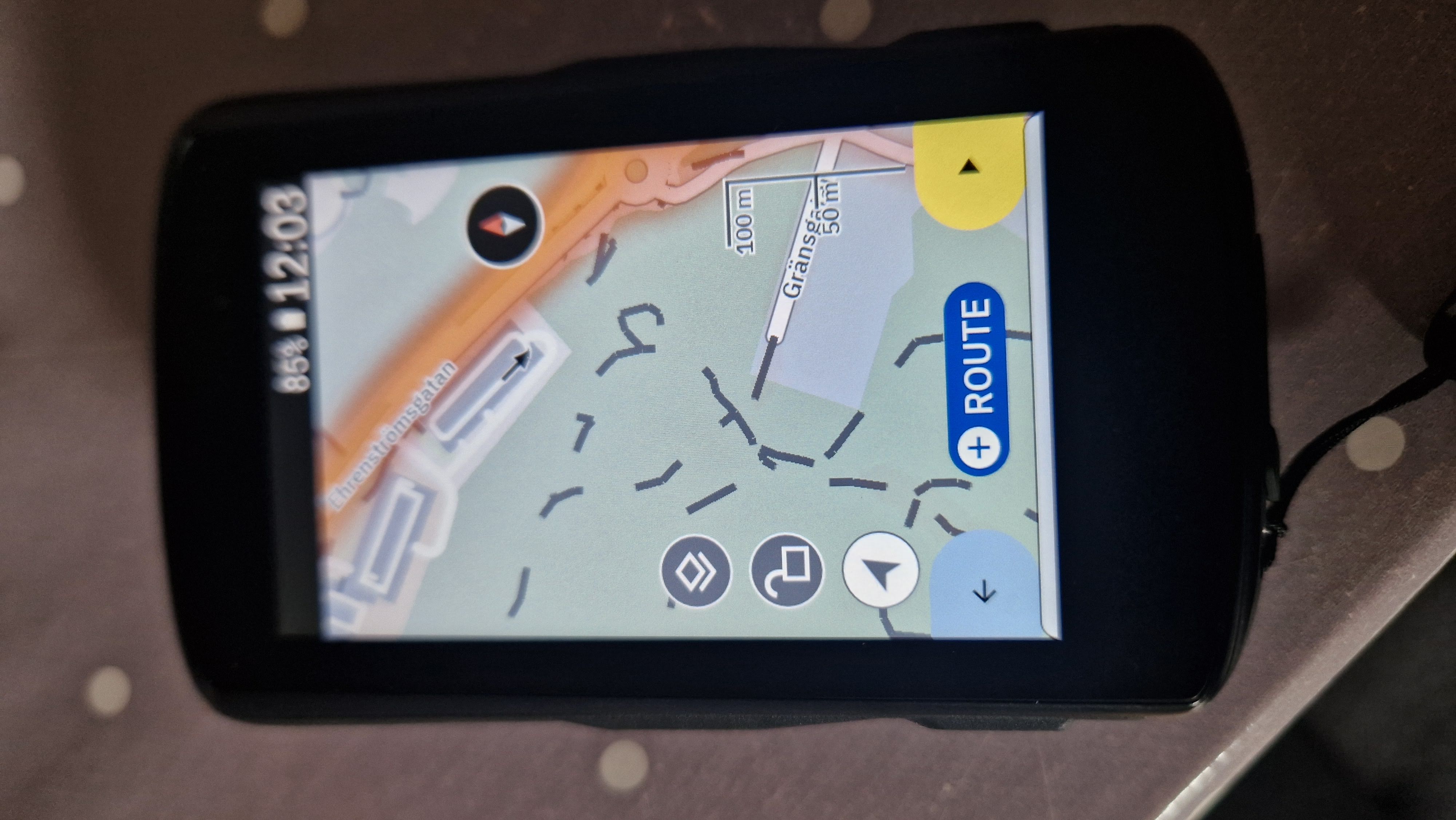
-
Official comment

Hi all,
We are aware of this issue and our team is working on a fix. We apologize for the inconvenience and will get it resolved as soon as possible. The issue is unrelated to the map update, which will be available soon.
Comment actions -

I didn't notice it at first, as I use trails on the Karoo only in combination with a planned route or the Suunto heatmaps or the marked cycle routes and paths on the Karoo (which are very good in my opinion). Otherwise the Karoo always was totally useless outside of cities and larger tarmac roads, as it even did not make a difference between smaller tarmac paths (where cars are allowed) and a narrow single trail. Now it's even more pointless, as the number of dashes has been virtually halved. What was already bad is now even worse.
Maybe I have missed it, but I don't remember a map update in the last few months, just the regular software updates. I wonder when and why and how this 'update' arrived on the Karoos (as it is not mentioned in any release note)?
-
I'm quite sure it came with the last SW update. Have not downloaded any new maps for my area (Sweden) since several months ago... As a Mountainbiker, this change makes the Karoo more or less useless for exploring trails, which is one of my key use cases for me. I really hope this get fixed in next update.
-
I'm pretty sure, that there were no map-updates for my region (Austria) in the last few weeks. I have a Karoo2 and a Karoo3 and usually there is a message on the Karoo about a map-update and it doesn't start automatically.
I remember a comment from the support team here one month ago that the next map update is due in next few months.
There were sometimes changes to the map design via a software update in the past, but those were usually mentioned in the release notes. Strange what has happened here.
-

It looks like there's some kind of map error after the last update, but one thing I'm wondering is: could this actually be a map style issue? Maybe it's worth following the advice from that YouTube video and temporarily changing the map styles to, for example, 'voluntary' to check.
Personally, I don't have this problem – maybe because I use 'voluntary v5'.





Please sign in to leave a comment.
Comments
18 comments