Cannot get route to K2 from computer
Answered
Online, with my computer, go to Dashboard -> Routes -> Add Route, and draw in a new route, save it, etc.
Start the K2 and go to Settings -> Connected Accounts -> Ride Upload Mode and option Automatic is enabled.
Go to WiFi and it has my wireless setting there. Did Forget, then add it back in. Entered the password, it quickly displayed stuff about logging in, then showed connected, followed by No Internet. That is wrong, internet connection is indeed good. Now K2 has a MAC and an IP address.
Backup and go to Routes. It shows four routes previously created, but does not get my latest route.
What additional steps must be taken to download a route?
-
I have two printers, a tablet, a television, and two iphones the use this wifi network. I suspect the network is working well.
Will someone please list the steps you use to download a route from the website to your Karoo. There is probably an obvious step that I cannot see.
Thank you.
-
No replies so I try again.
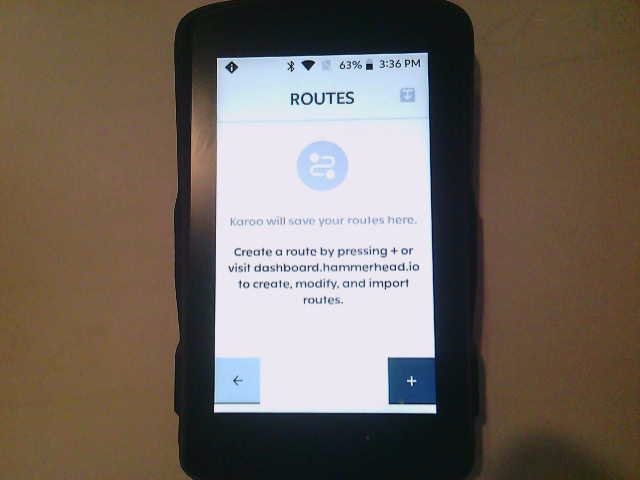
Above is where I get trying to load a route. Then press what looks like a download button to get the below
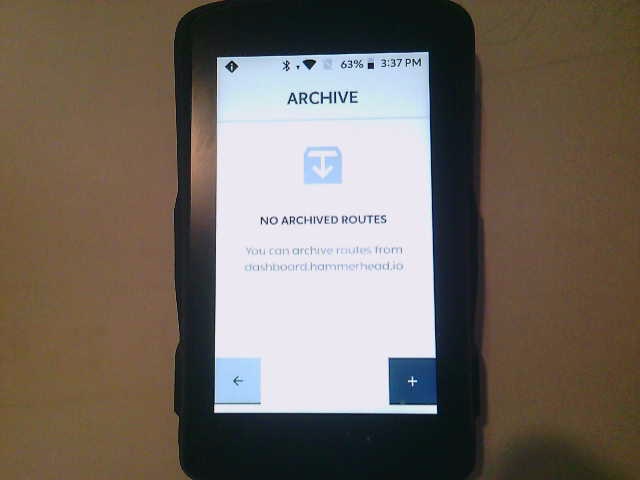
The K2 says not routes, but my dashboard shows the below
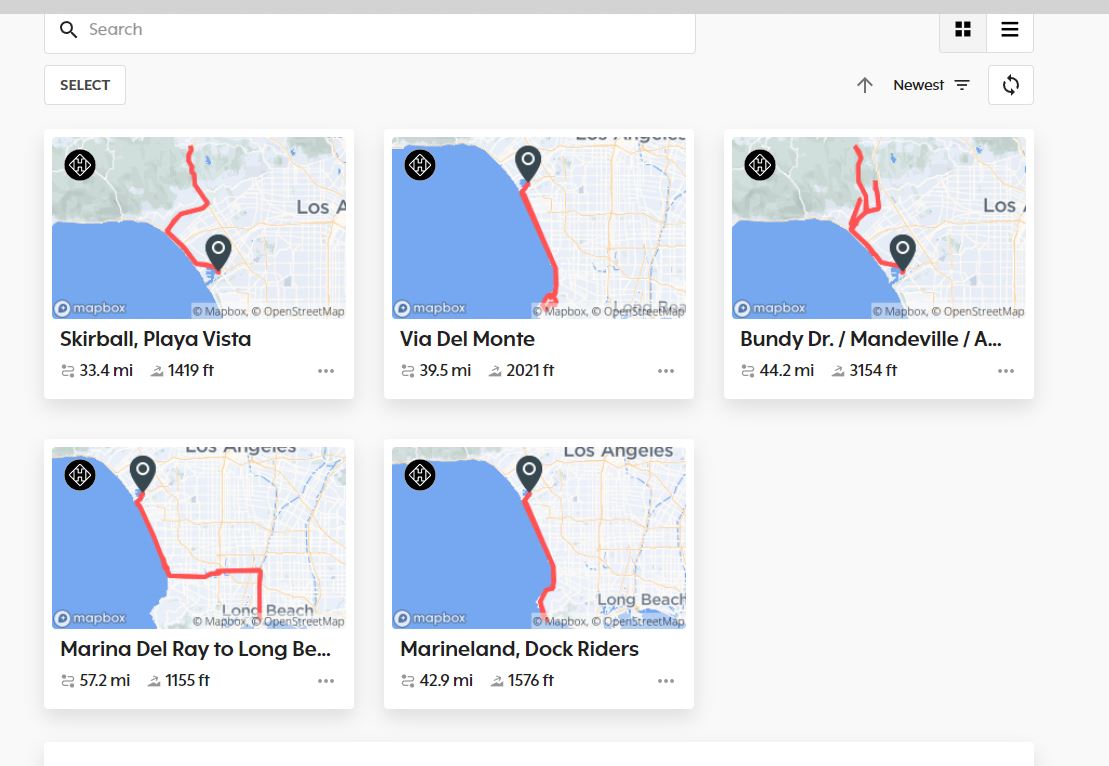
That looks like multiple routes available to me.
What must I do to get these routes downloaded to this K2?
-

Since the Karoo shows you an update notification in the upper left corner, it looks like the WiFi is working. Try to install the update and try again.
Also, double-check you're signed into the same account on the Karoo and the Dashboard page in the browser. Not that you accidentally have two separate accounts somehow.
Maybe sign out off the account on the Karoo and sign in again.
-

Hi Bryan, please try the steps shared by Friedrich - that should do the trick. I also see that we have responded to your tickets related to the same issue, but haven't heard back from you. Could you please check your spam folders and find our emails with suggested troubleshooting steps?
We also shared a video chat link with you on one of those emails, so we can sort this out in the quickest possible way. Please let me know if you don't find our emails anywhere in your Inbox/Spam/Promotions folders.
-
Friedrich wrote: Since the Karoo shows you an update notification in the upper left corner, it looks like the WiFi is working. Try to install the update and try again.
I do not recognize an update notification. In the Routes display there are now two black diamonds shapes with letter "i". I dragged one down and got to a setup menu, described below.
To the right of the word ROUTES is a square with a down arrow. Looks like a download button. When that is pressed the reward is: NO ARCHIVED ROUTES. Does that mean no routes (maybe rides) that I have archived? I am trying to download the routes I drew on-line as shown earlier.
I have logged out and back in with my email: forums at mb kelly.net. No change in the results.
I get to the WIFI in setup and it has my network name. Touch the name and it disconnects. Touch again and after a bit it shows a white rectangle with the network SSID. I presume that means it is connected to the network.
I had some email problems and have lost any conversations via that. If anyone has something to add, feel free to use the email described above.
Just installed the latest K2 update. No changes in this problem.
-
With my desktop computer I logged out of this account and logged back in to verify I know the password.
On the Karoo 2, get to the screen that lays Lets sign you in. Enter the same email address used to log in here, and the same password. Activated the show password option and had it correct. After three tries, it accepted the login.
Now I have the routes downloaded.

Please sign in to leave a comment.
Comments
7 comments