Komoot import doesn’t work
Answered
Hello, Up until yesterday (at least I noticed it yesterday) everything was working fine. But yesterday evening I created a new route on Komoot, went to Dashboard and resynced routes. But the new one didn’t appear/import. I tried it a few times and it didn’t help. I also tried unlinking my Komoot account from Dashboard and reconnect it. But still only older routes import from Komoot. I also tried changing route privacy settings on Komoot, it did not help either (all previous routes are private and still import fine). Lastly I tried using the webpage link to Komoot route and pase it into the weblink field in Dashboard and import it that way. But then Dashboard displays a popup saying it’s not authorized to import that route. Any ideas? If anyone could try it - here is a link to a short test route which also doesn’t import since yesterday. Also - routes from Strava import flawlessly and instantly still. But I prefer Komoot routing engine etc. All help will be appreciated :)
Test route:

-

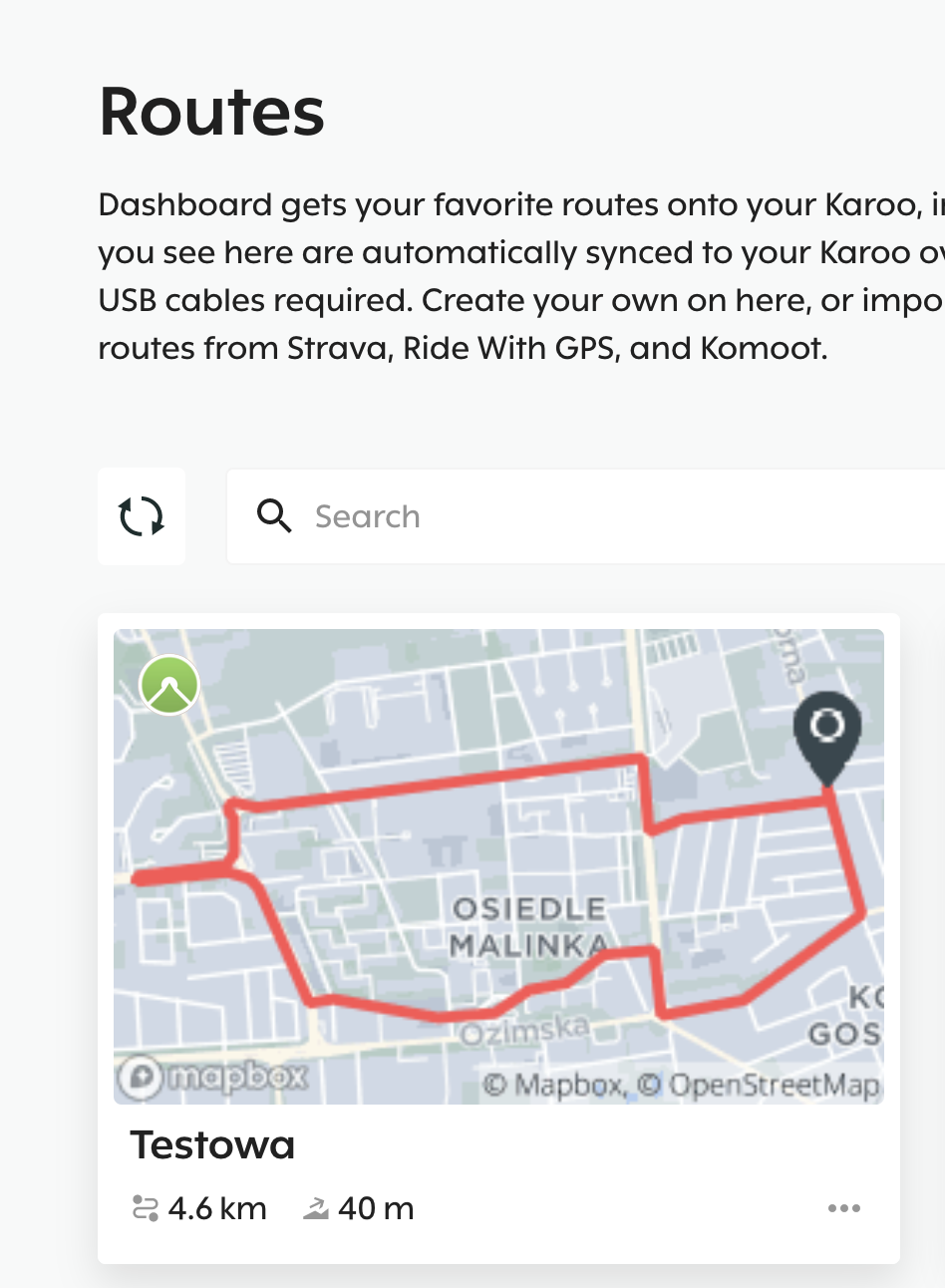
Hi Steve and Ivo - I was able to import that public route (https://www.komoot.com/tour/384013811) from Komoot.
Two things to check: 1) Komoot connected on the Dashboard 2) Region access on the Komoot.
-
You are probably right, guys. I’m also a free user and as a free account I have access to different area of Poland, in which I live on a day to day basis. This route is in different region. That probably explains everything. Sorry for bothering then, it’s not an issue, just a user error
EDIT: just as a follow up - I bought the world map pack - now the routes import correctly. Thank you for pointing me in the right direction!


Please sign in to leave a comment.
Comments
6 comments