Feature request: List of custom POI
Answered
I miss a take to home button, don't have a sim on my karoo, but I think that implementing a way to have a list of custom offline POIs to navigate faster to saved points will be a very helpful feature.
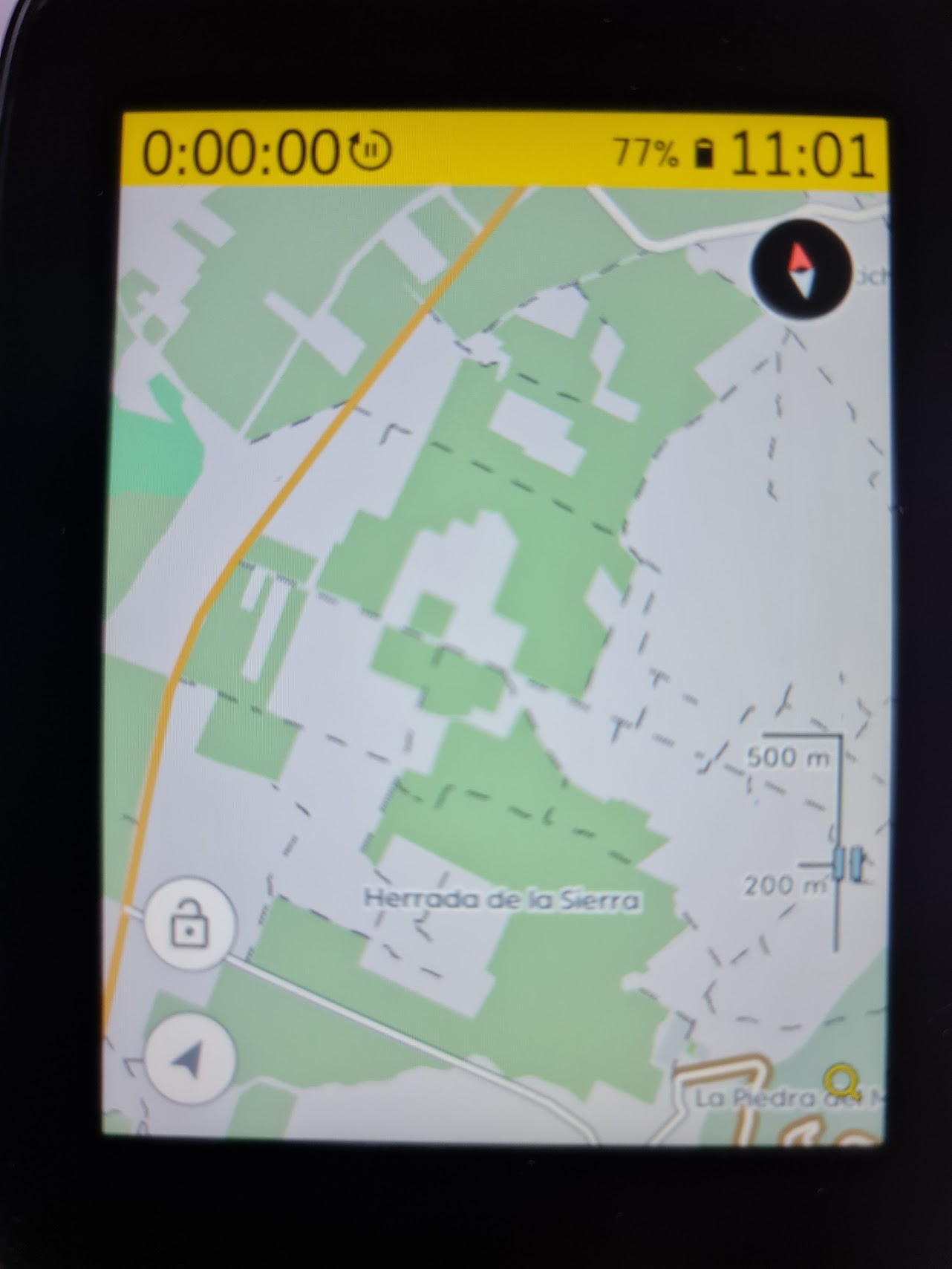
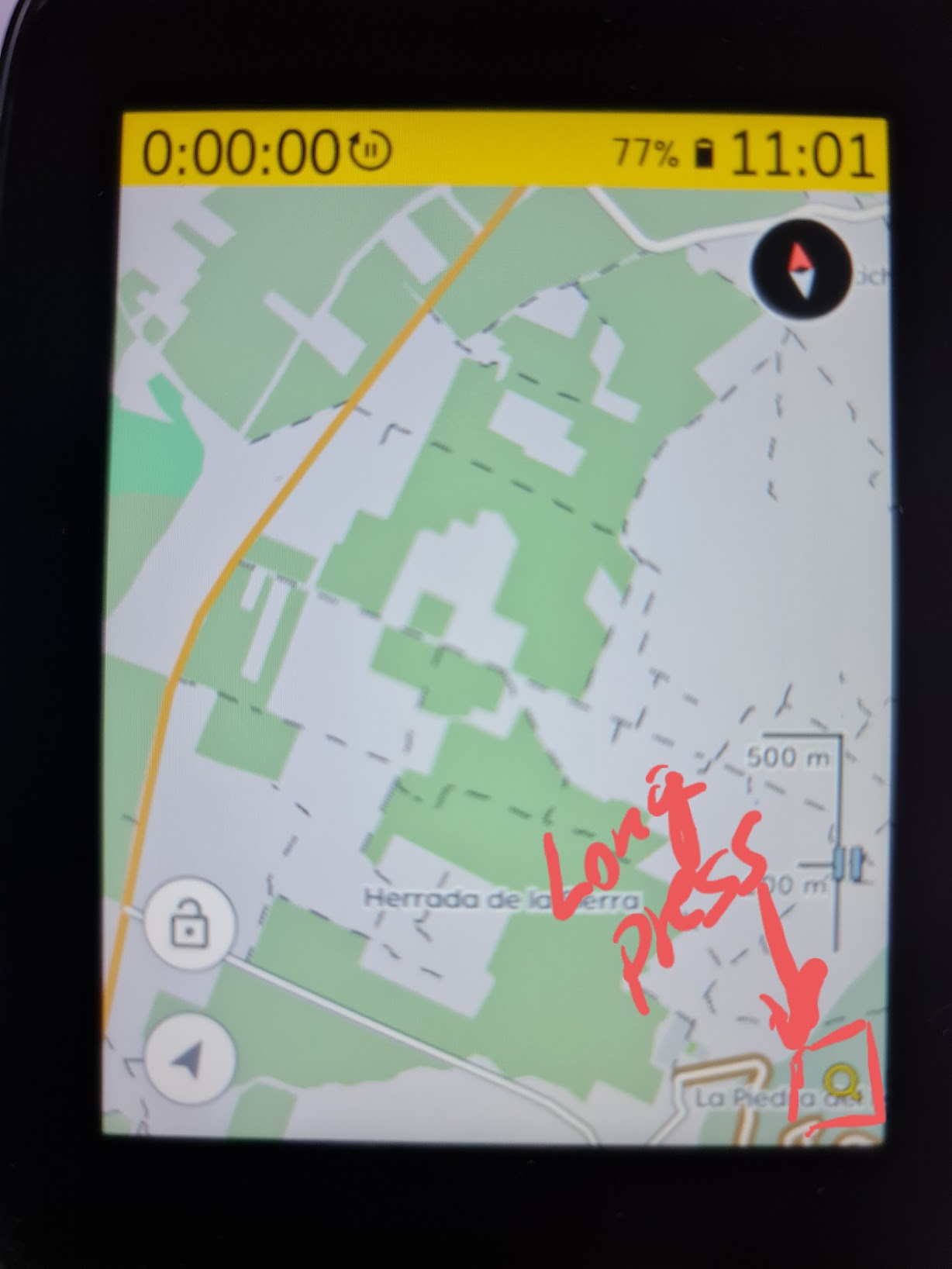
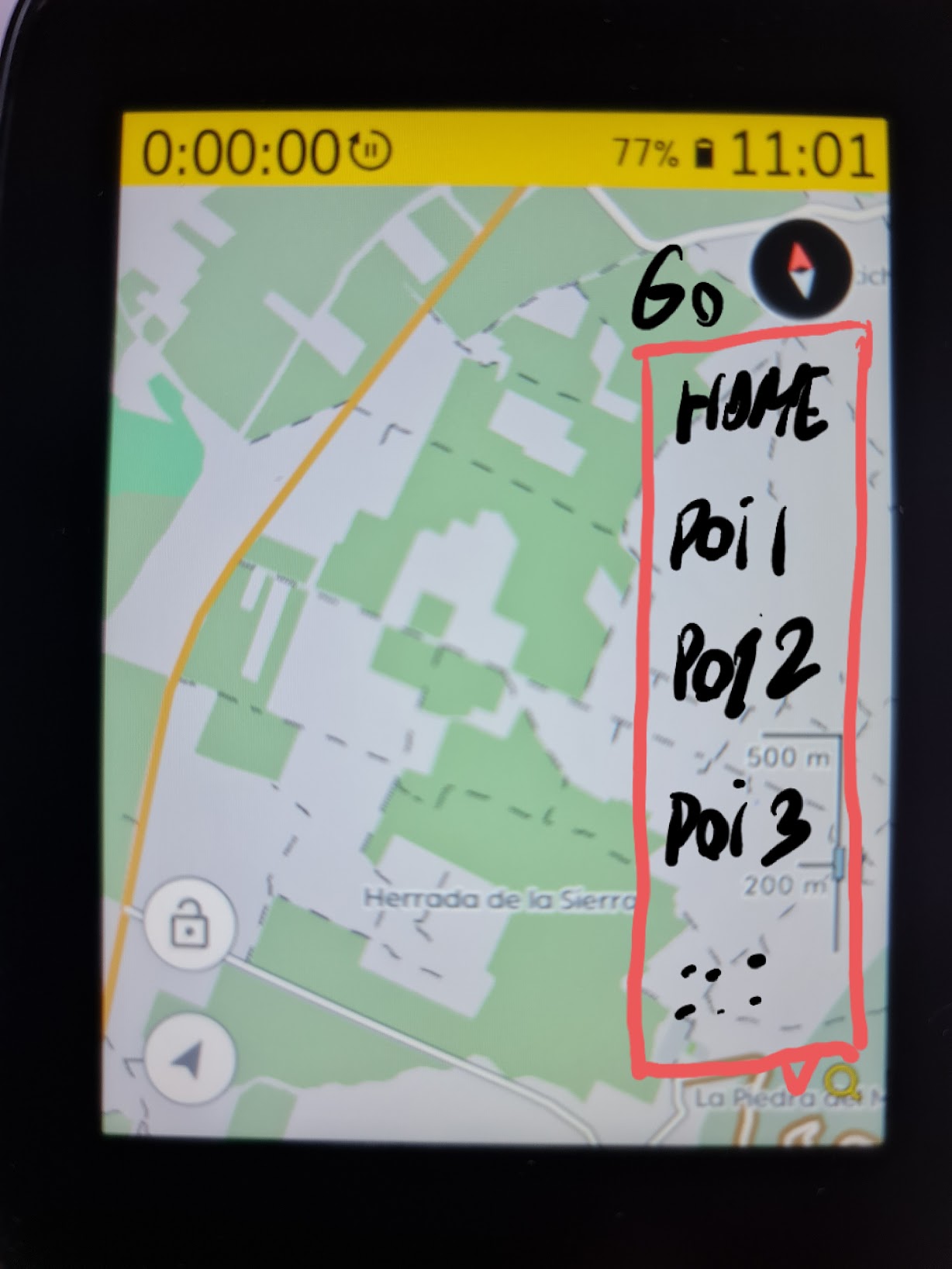
I like the screen, the map is quite good and navigation is far better than on Garmin1030, but I think I miss too much time moving map around to search visually for an icon, and sometimes it is a bit difficult when you are riding. If we can search for poi or simply having a custom list we can navigate on two taps, it would be helpful and more secure.
Thanks.
-

Hey Ruben.
Firstly, I appreciate you for sharing your thoughts on the Karoo.
We do have take me home POI. You will be able to save home POI on an account level on your Hammerhead account. Here is an article which would help you create the take me home POI on your Karoo - https://support.hammerhead.io/hc/en-us/articles/360038454453-Take-me-Home-POI-
Besides, you can import the POIs from the ride with GPS or Add POI on the route on your Dashboard. Here is the article you would certainly like to refer - https://support.hammerhead.io/hc/en-us/articles/360051734934--Navigating-to-Points-of-Interest-POI-
However, I have taken your request for the customs POI and will certainly forward to our Product team.
-
Hi, and thanks for the answer. I know there is a Home POI, and you can create on map or import POIs, but I mean having a list or similar feature on map view (an icon or something you can tap), and then show a list to tap and go, without having to zoom out map and then search visually the POI icon on map. Sorry if I don't explain me very well.
Thanks.
-

Hi Ruben, sorry for the confusion, and you did perfectly in explaining your needs. We highly appreciate our community's deep engagement in making the Karoo best over time.
We do not have this feature right now, but I believe that we have captured it in some way or form in our backlog, to have a better implementation than what is already out there.
-

+1 for managing a list of POIs. In a separate app from the home page would be my preferred option.
Panning around the map is not the best way of locating purple POI icons (especially when you may already be slightly disoriented and not know in which direction to pan the map (and, indeed, which way your map is pointing).
As an additional requirement, I would like to see POIs managed as a new page in the Dashboard. Up until a few weeks ago, I had no idea this functionality even existed. If you don't know it's there, you have no way of knowing how to add POIs on the map. At the moment, you have to create a route and add your POIs that way (via a right click). This is not at all obvious to anybody who doesn't know this functionality exists. I should not have to create a route (or not) just to add POIs to my map. Ideally, the Dashboard navigation should list POIs as an entirely separate entity (maybe underneath Routes) with a list on the left and the map on the right of the page. POIs that have been added here should also then show up in the route builder. Do we have a means of uploading a list of POIs today? If not, it might be nice for those folks who maintain lists of POIs in other applications to be able to upload them to the Karoo/Hammerhead Account.
Also consider adding some filtering functionality, based on the list of POI categories you see in the Map.
To take this a step further, it would be nice if the POIs had their own app on the home page of the Karoo. This would be far more useful than Workouts, to me (and anybody else who doesn't subscribe to TrainingPeaks). You should be able to select a POI to navigate to in exactly the same way that you select a route to ride. Users should be able to add and delete POIs from either the Karoo or the Dashboard and the user's personalised list of POIs is synced/maintained between the two in AWS.
Happy to elaborate more and maybe provide you with some UI mockups if it's of interest. I'm an experienced UX Designer and Product Owner, with a keen interest in cycling! :-)
Steve


Please sign in to leave a comment.
Comments
7 comments