AltGraph v.1.0.33 – A 3D Isometric Altimetry & Radar extension for Karoo

Hi everyone,
Sharing AltGraph, a highly visual climb and route overlay extension that completely reimagines how you see elevation on your Karoo.
Repo & releases: https://github.com/DAVOE75/ALTGRAPH
Why I built it: Two main frustrations with current elevation screens:
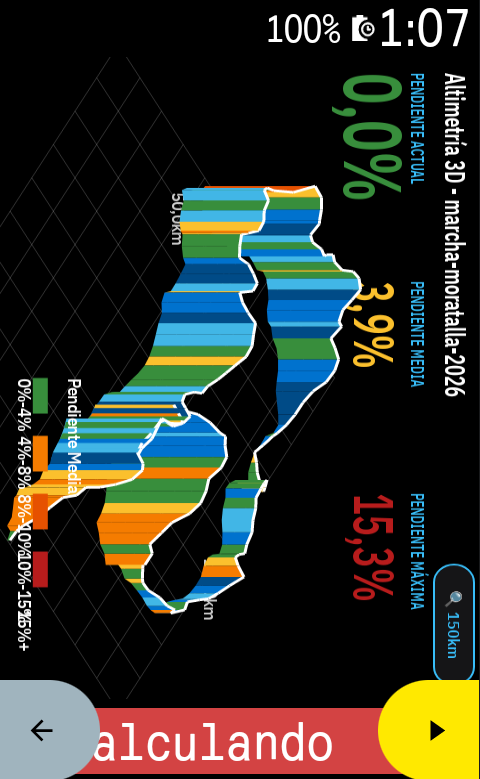
- Lack of spatial awareness and ugly 2D profiles: Traditional 2D flat profiles are okay, but they don't give you a real sense of the mountain. I wanted something spectacular. AltGraph introduces a beautiful 3D Isometric perspective that makes the upcoming climbs look and feel like real terrain.
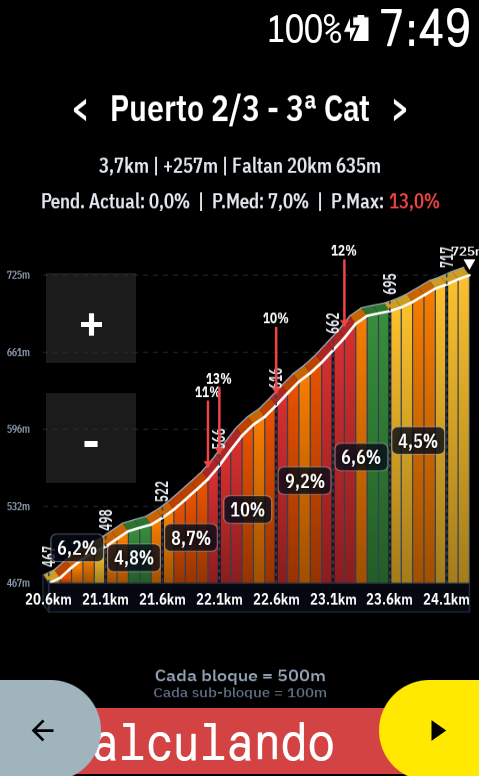
- You are forced to look at what you don't need: Sometimes you want to look ahead at the next ramp without zooming out the whole route. I built dedicated interactive touch buttons for fine zooming (down to 50m blocks!) and predictive horizontal panning (< / >), so you can freely slide the graph left or right to see what's coming, independently of your zoom scale.
What it does:
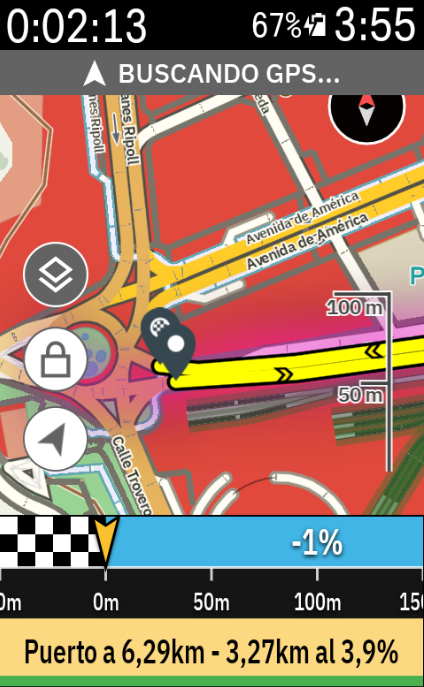
- Altimetry Radar Mode: A gorgeous view that overlays the 3D climbing relief directly over your navigation map. See your route and the elevation of what's ahead simultaneously on the same screen.
- Real-Time Cyclist Tracking: A live marker smoothly advances through the profile and gradient colors, giving you immediate feedback on where you are relative to the current ramp.
- Native Landscape Mode: Full support for horizontally mounted Karoos. Touch buttons and graphs automatically re-orient ergonomically to your visual field.
- Training Zones Bar: A dynamic 7-zone colored bar at the bottom of the screen that reacts to your live Power (Watts) or Heart Rate data while you climb.
- "Smart Zoom" Override: The app can auto-adjust the zoom based on your current gradient, but the moment you touch the [+] or [-] buttons, you take 100% manual control.
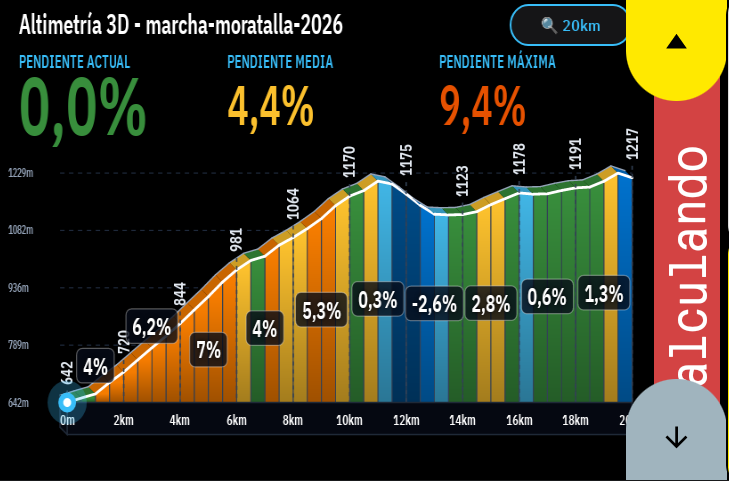
I would love it if you could install the v1.0.0 APK, take it for a ride, and give some feedback!
Hola a todos,
Os comparto AltGraph, una extensión super visual que reimagina por completo cómo vemos la altimetría y las subidas en nuestros Karoo.
Repo y descargas: https://github.com/DAVOE75/ALTGRAPH
Por qué la he creado: Principalmente por dos frustraciones con las pantallas de perfil actuales:
- Falta de perspectiva y perfiles 2D aburridos: Los perfiles planos tradicionales cumplen su función, pero no te dan una sensación real de la montaña. Quería algo espectacular. AltGraph introduce una perspectiva Isométrica 3D preciosa que hace que el relieve cobre vida.
- Te obligan a ver lo que no necesitas: A veces quieres ver cómo de dura es la siguiente rampa sin tener que alejar el zoom de toda la ruta. He añadido botones táctiles dedicados para tener un zoom súper preciso (¡hasta bloques de 50 metros!) y desplazamiento horizontal (< / >) predictivo. Puedes arrastrar la gráfica libremente a izquierda y derecha para ver qué te espera más adelante sin alterar la escala.
Qué hace exactamente:
- Modo Radar Altimétrico: Una vista brutal que superpone el relieve 3D directamente sobre el mapa de navegación. Puedes ver por dónde vas en el mapa y la altimetría que te viene encima en una sola pantalla.
- Ciclista en Tiempo Real: Tu posición avanza fluidamente sobre el perfil gráfico y sus colores de pendiente, para que sepas visualmente en qué punto de la rampa estás sufriendo.
- Modo Apaisado (Landscape) Nativo: Si llevas el Karoo en horizontal, la interfaz, los botones y la gráfica se re-orientan automáticamente para adaptarse de forma ergonómica a tu campo de visión.
- Barra de Zonas de Entrenamiento: Una barra dinámica de 7 colores en la parte inferior que reacciona en tiempo real a tus Vatios de potencia o Frecuencia Cardíaca.
- Control Manual Absoluto: La app tiene un "Zoom Inteligente" que se adapta a la pendiente, pero en el momento que tocas el [+] o el [-], tomas el 100% del control manual.
¡Me encantaría que probaseis el APK de la v1.0.0 en vuestras próximas salidas y me deis vuestro feedback!
-

If you need to subscribe to those data streams dont bother for now. People can always stick the fields over your extension as myself. But for those fields which are already in your extension, it'd be great if you could make them all available, why not! The more choices the better. Some that come to me (and not sure if you have mentioned them already) would be: distance to top, elevetation to top, next climb distance.....
-
Hi,
v3.0.6 is out. It should show up as an update in the Hammerhead app, and it has your header ideas in it.
- Choose what you see. In the 3D tab, each header field has its own dropdown. Pick any metric, or None to hide a field.
- Portrait and landscape. Portrait shows up to 3 fields. Landscape has room for 5, so fields 4 and 5 appear there. Titles and values are centred in their columns and adapt to the width, so with one, two or three fields they share the space.
-
18 metrics to choose from.
- Gradient: current, average, max.
- Route: route km, left, distance covered.
- Ascent: total, remaining, current elevation.
- Current climb: distance to top and elevation to top.
- Next climb: distance, length, elevation gain and average gradient.
- Other: distance to the next water/resupply point, ETA and ascent pace.
- Not included yet. Live sensor data such as heart rate, power and speed, as we discussed.
-
Notes. Outside a climb, the "to top" fields show
--. The same goes for "next climb" if no climbs are left ahead. - Renamed setting. "Show Gradients in 3D Header" is now "Show stats in 3D header".
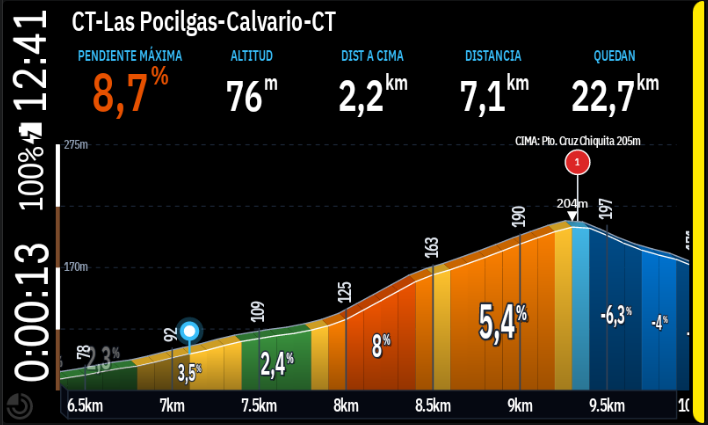
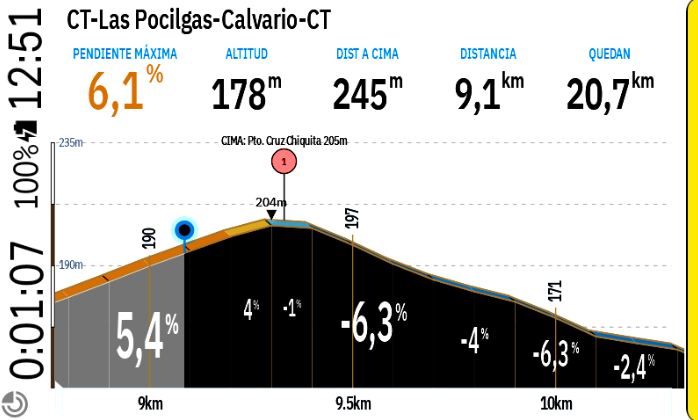
Thanks for all the ideas and the feedback. Keep them coming, and let me know if anything looks off on your device.
-
Happy to help! v3.0.7 is out. The elevation stats (total and remaining) now show on their own, without having to turn on the distance and left km. Update from the Karoo app listing, then turn on "Show elevation gain" in the 3D settings. Enjoy the rides, and thanks for the feedback!
-
v3.0.8 is out, and it should show up as an update in the Hammerhead app. It's about making the % labels much easier to read, and about zooming.
- Bigger % labels (new option). In the Style tab you'll find "Show average % per block". It's off by default. When on, you get one large % per main block, the average of its sub-blocks, sized to your zoom. The sub-blocks keep their own colours. With a 10 km view you get 10 averages of 1 km each, and with a 12 km view and 2 km blocks you get 6 averages.
- Block resolution moved. The Block Resolution setting now lives in the 3D tab, right above the new option. Both control how much detail the profile shows. Your saved value is kept.
- Smarter zoom levels. There are now fewer, more distinct zoom steps. Before, several steps kept the same block size and only compressed the graph (and the % with it). Now each step changes the block scale, so the labels stay readable.
- Faster tap zoom. A single tap zooms in right away, and a quick second tap undoes that and zooms out. The double-tap window is a bit shorter, so it reacts sooner.
-
Few quick ones which I'd like to feedback you on.
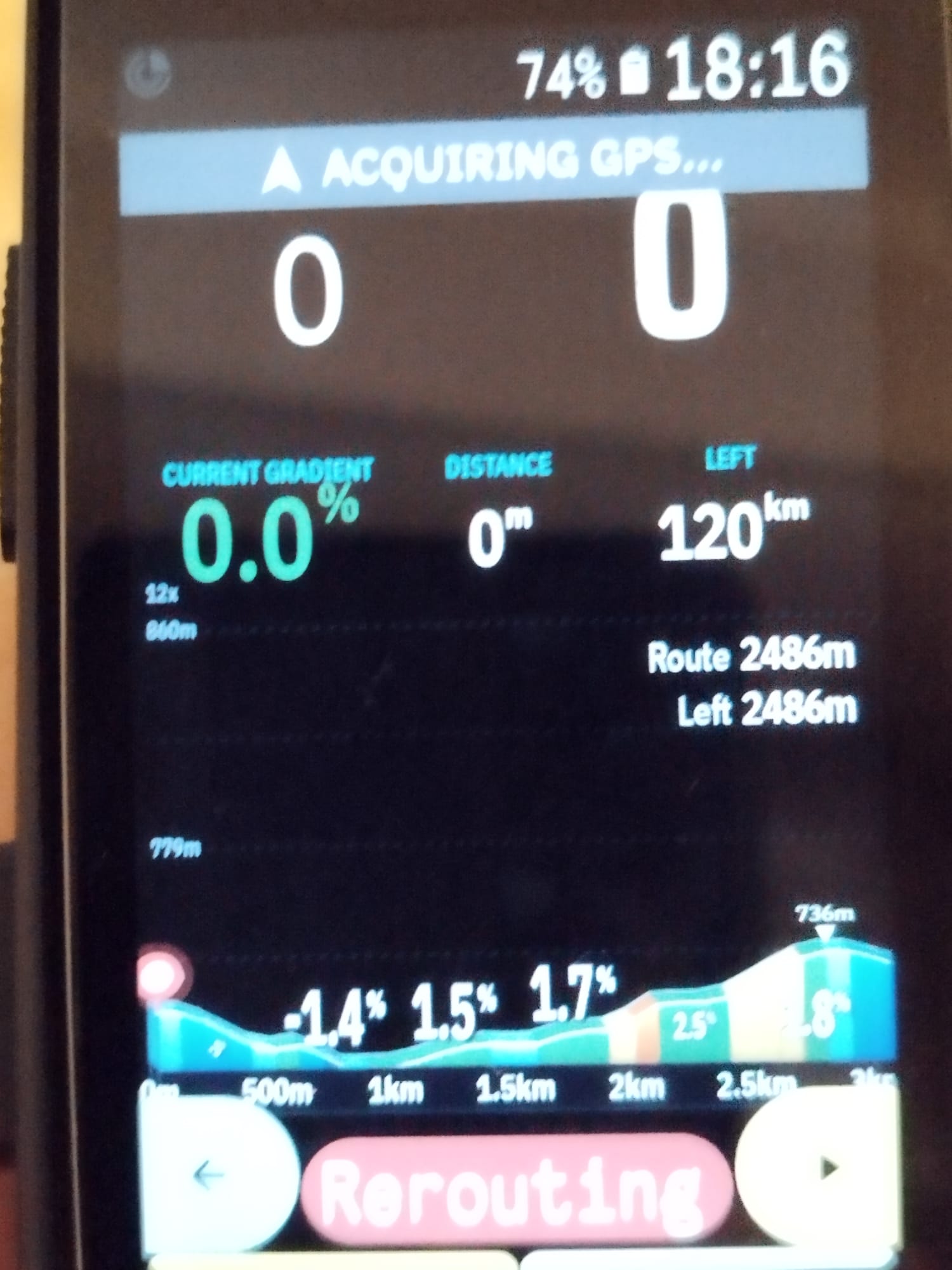
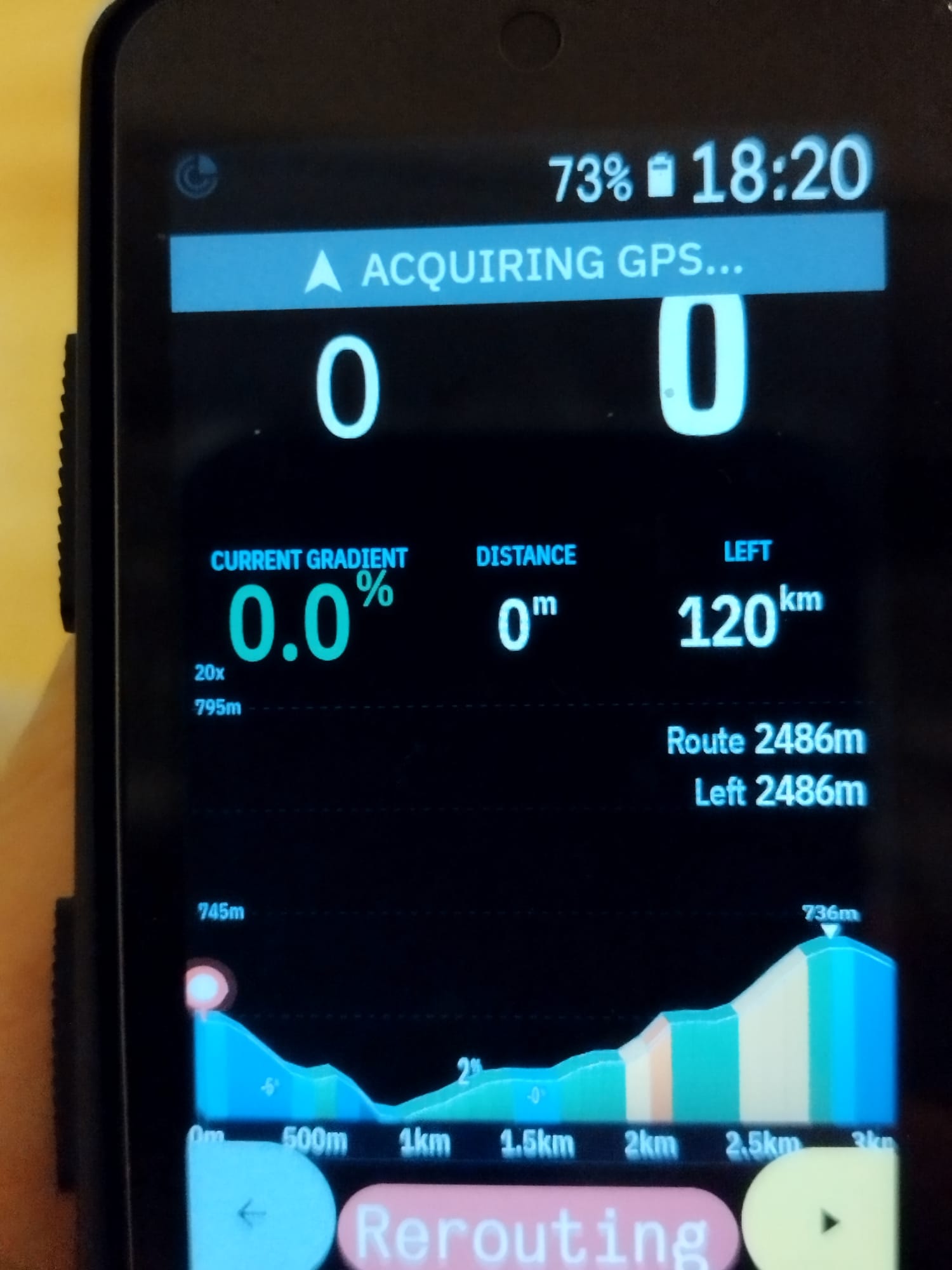
Could you please use comas for elevation and peak elevation? Well basically any number over 3 digits. I am an accountant so these things (comas) are like a religion to me 😂😂
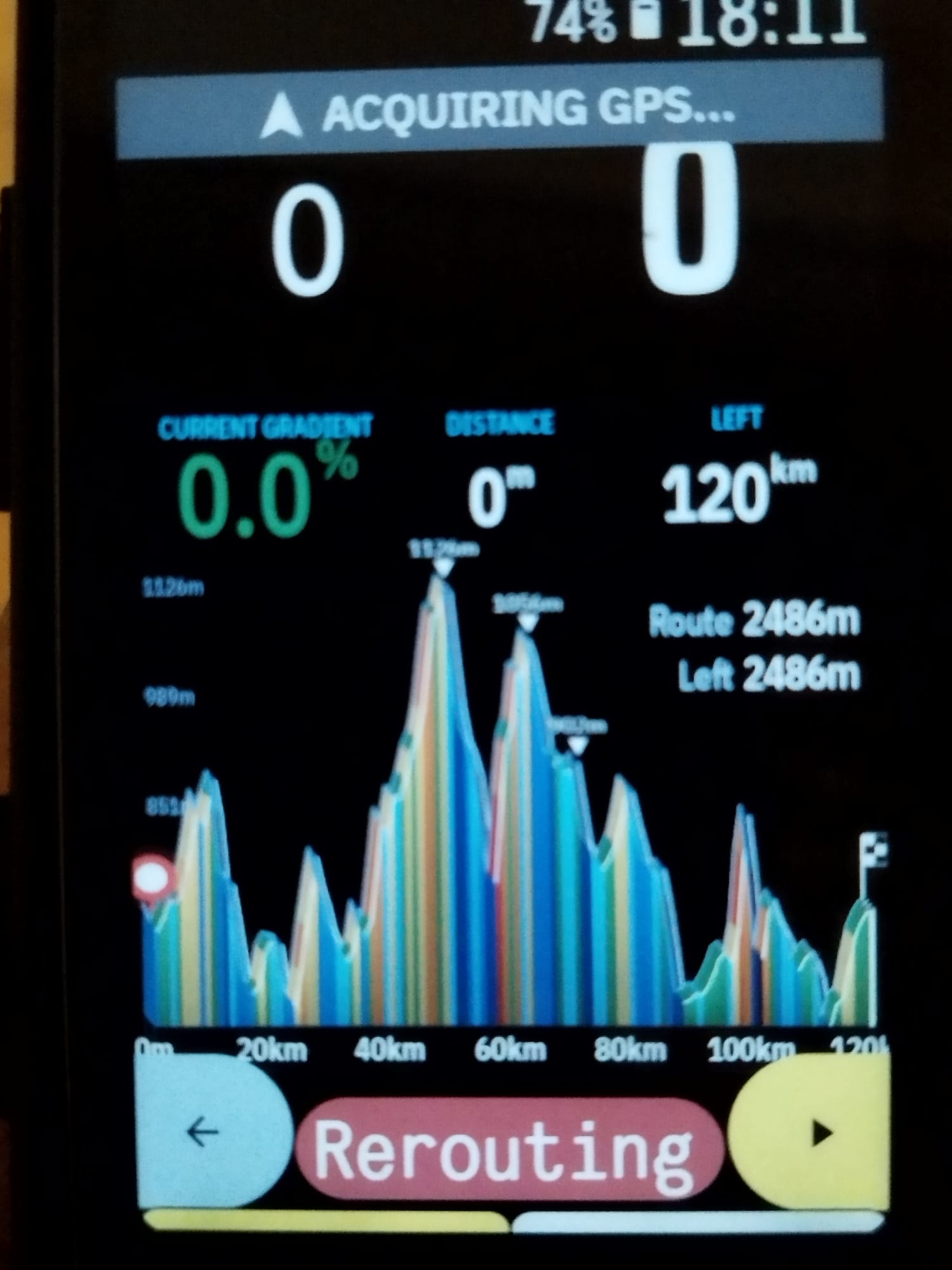
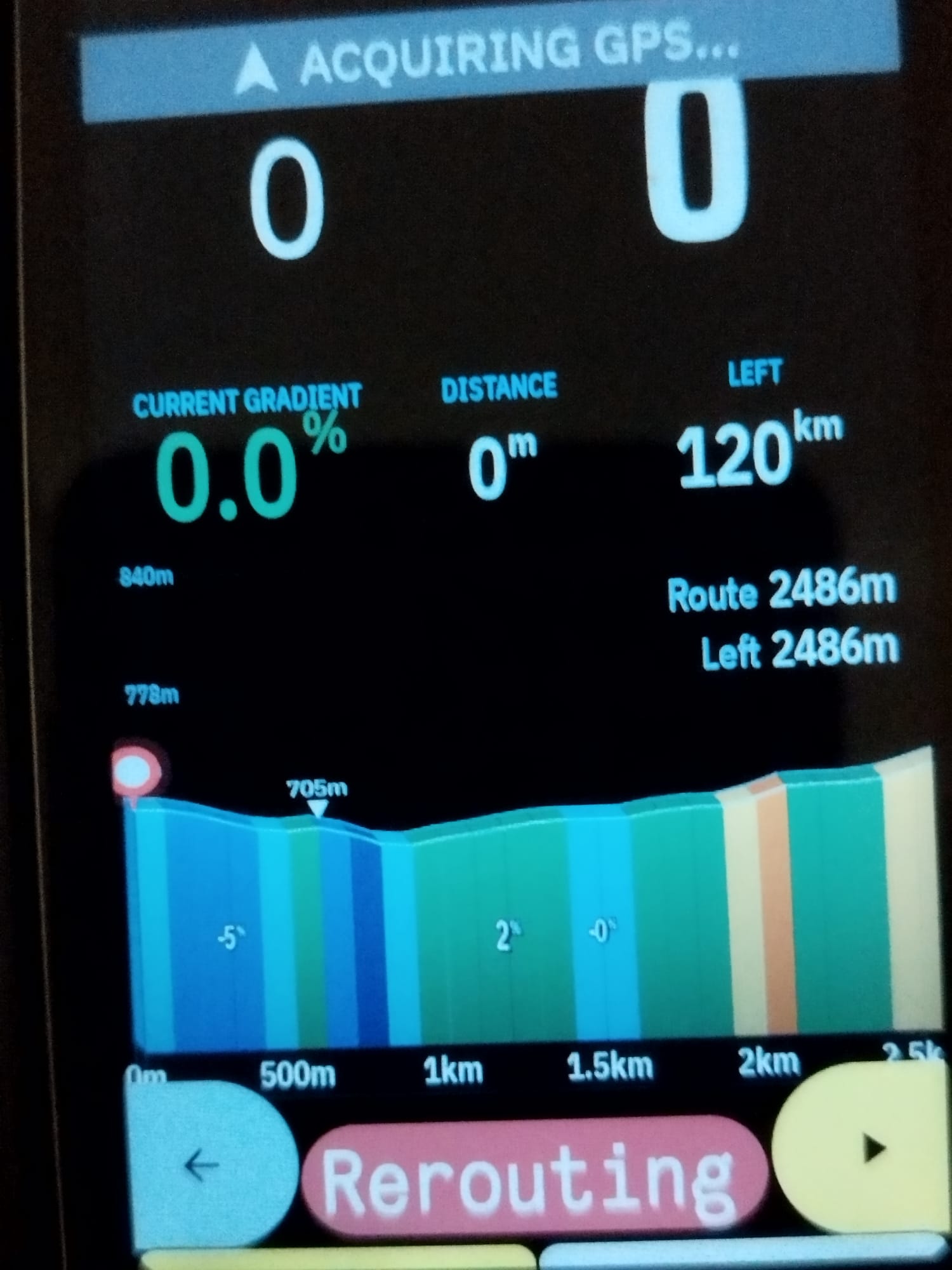
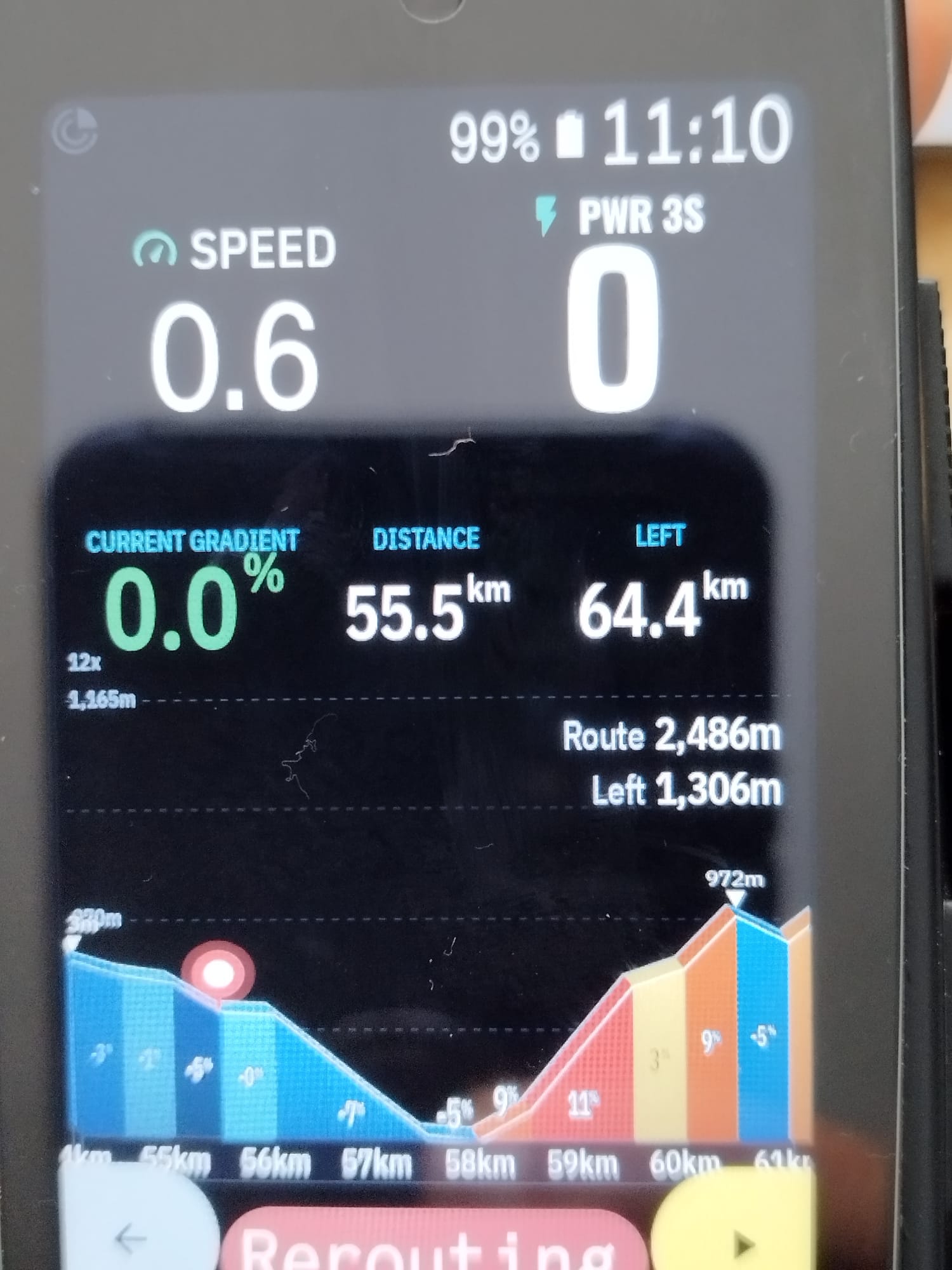
By the way, when using the fitting the elevation new logic, there's something odd going on. It happens when you zoom out and then back in. It is like logic would keep the elevation from the zoomed in and would not re-adjust it back when zoomed in to whatever it should. Worth to investigate but not a priority.
Some imagines to show you.
-
For tapping....I am a bit confused how it really works in reality.
Does the quick double tap activate the zooming out and then single taps afterwards keep zoom out? Then double tap again and zoom in is activated and any following single taps zoom in?I am struggling to get it working so I guess it isn't following the above logic?
-
Thanks for the great feedback, and no worries about the commas. I get it, a thousands separator is a matter of principle! v3.0.12 is out and should show up as an update in the Hammerhead app.
- Commas on big numbers. Elevations and ascents now show a comma from four digits, so 2486m reads 2,486m. This covers the axis labels, the peak labels, the Route / Left elevation and the header metrics. It also works in feet.
- Elevation fit after zooming out and back in. You were right, something was off, and it's fixed. The axis eases to its new range over several redraws, but the Karoo skips redrawing when nothing else changes, so it froze part-way. It now keeps updating until it has settled.
-
Tapping. Until now a single tap always zoomed in, and a quick second tap undid it and zoomed out. There was no "zoom-out mode", which is why it didn't behave the way you described. It now works like this:
- A quick double tap flips the direction (in ↔ out).
- Single taps then keep zooming in that direction.
- At the zoom limit it flips by itself, so it never gets stuck.
- Starting direction is zoom in.
The double tap still needs to land within about a third of a second, and each tap triggers a redraw. If it still feels hard to hit, tell me and I'll widen the window.
Thanks again, and keep the ideas coming!
-
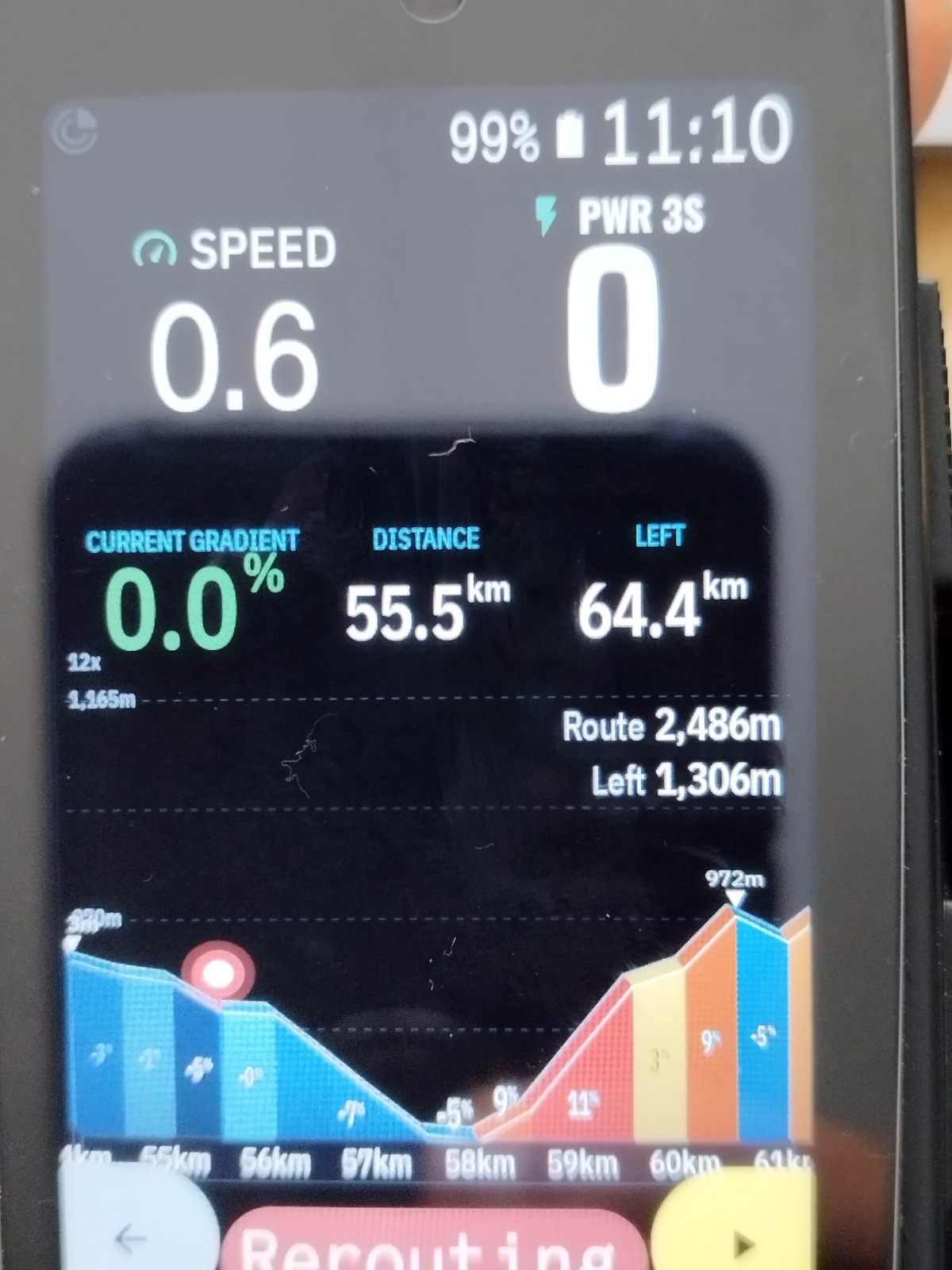 Tap-zooming working much better now in my opinion! Thanks for that! Profile graph elevation logic now also looks fixed! Nice one.
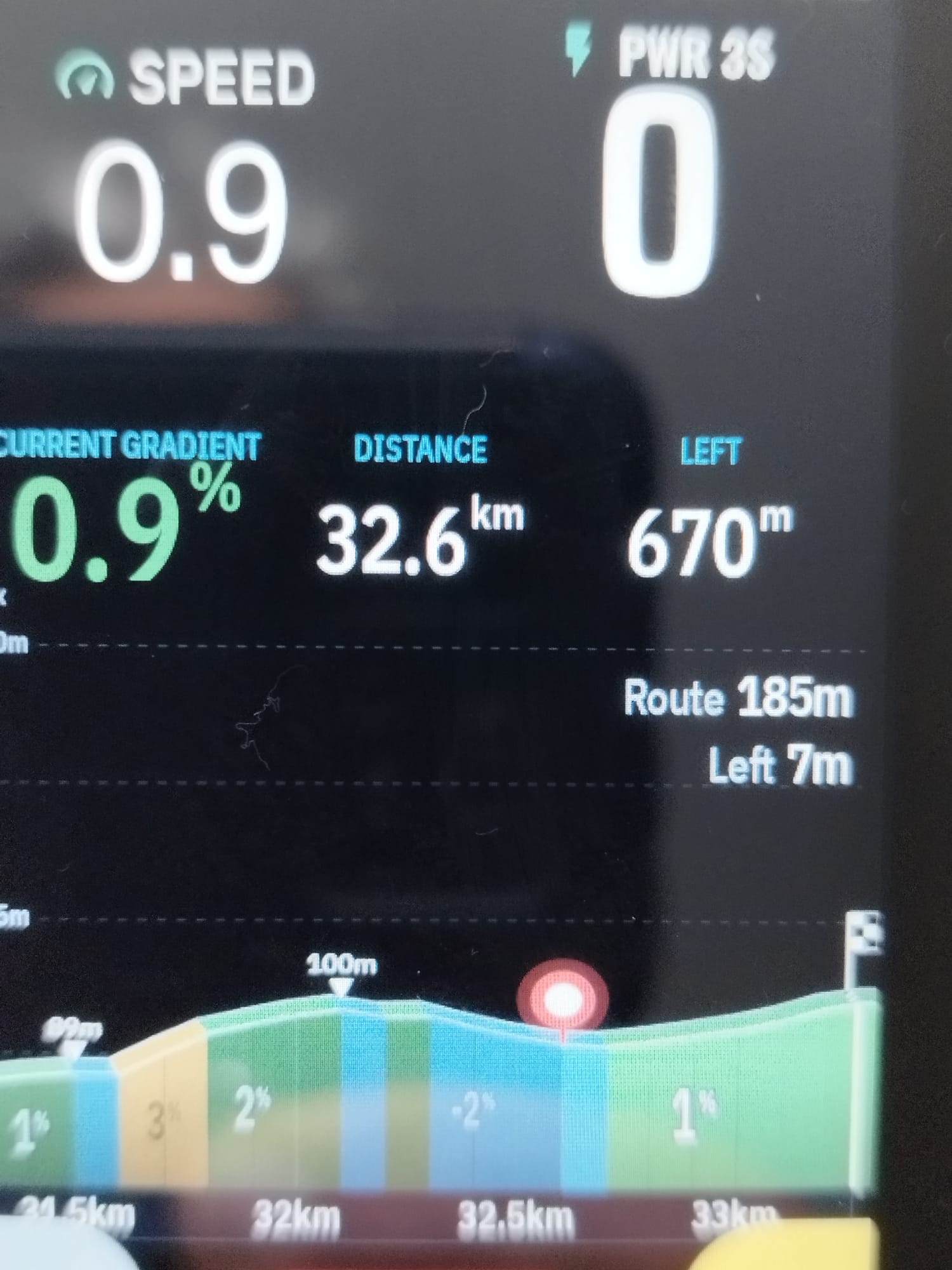
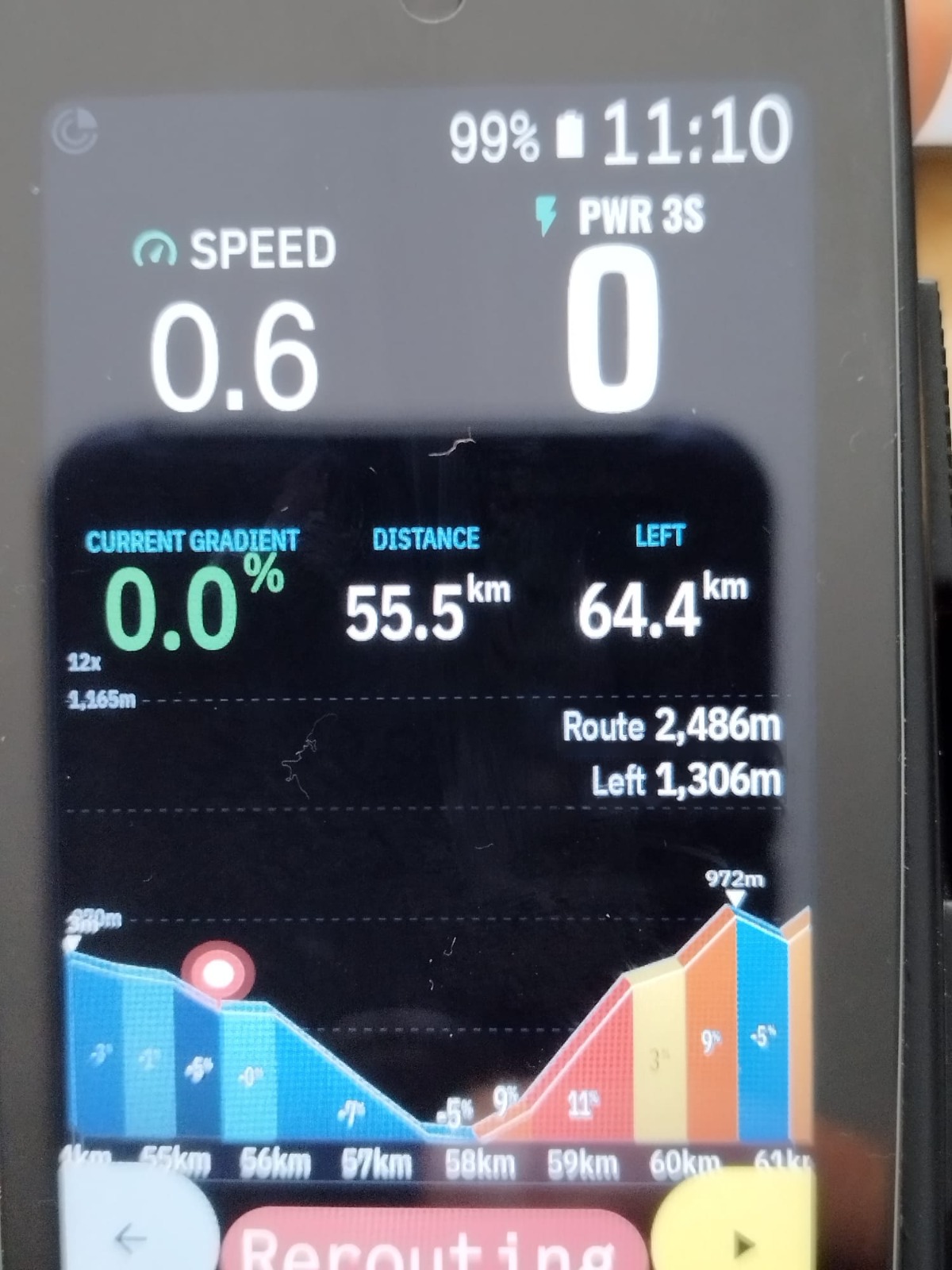
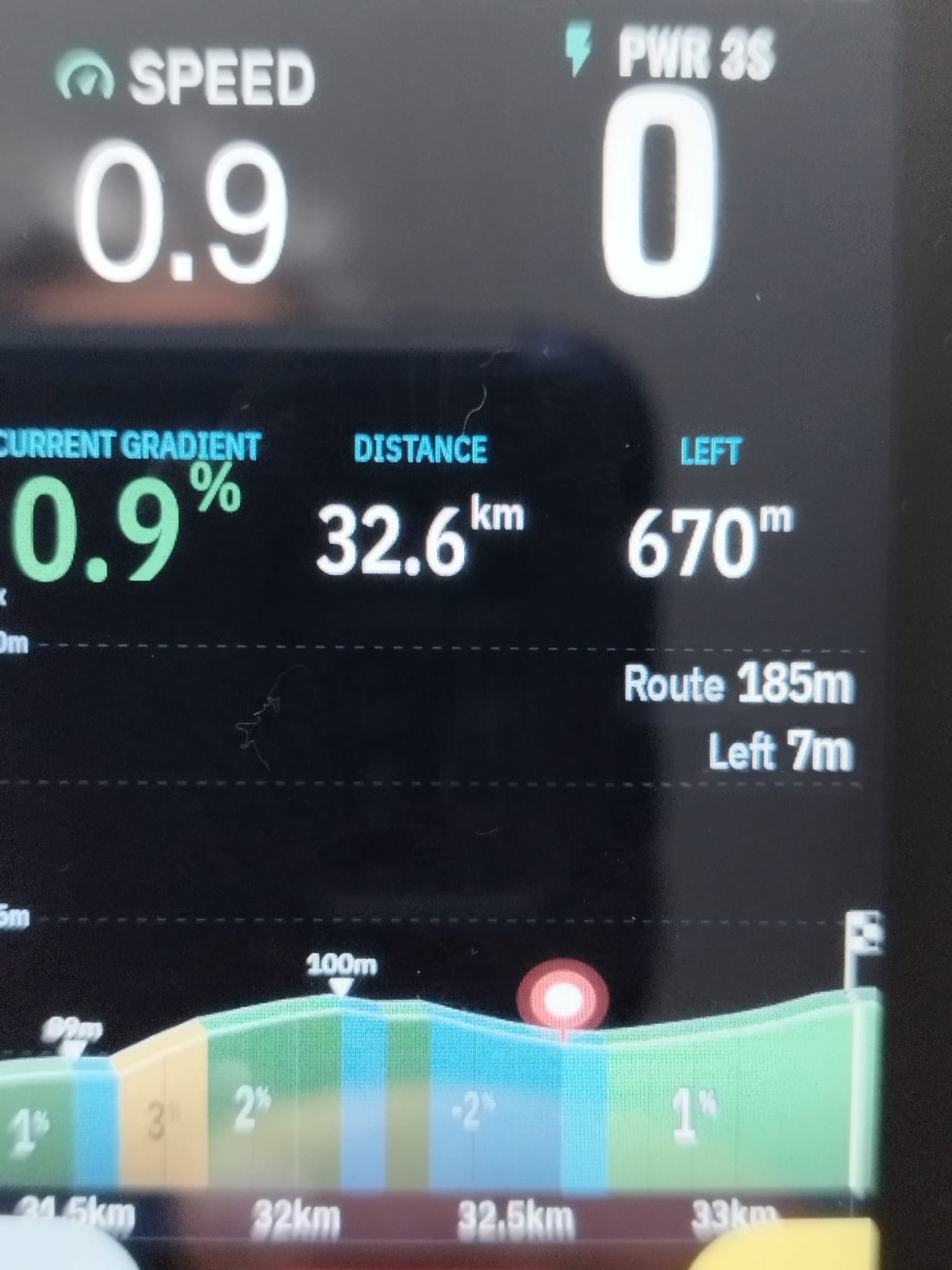
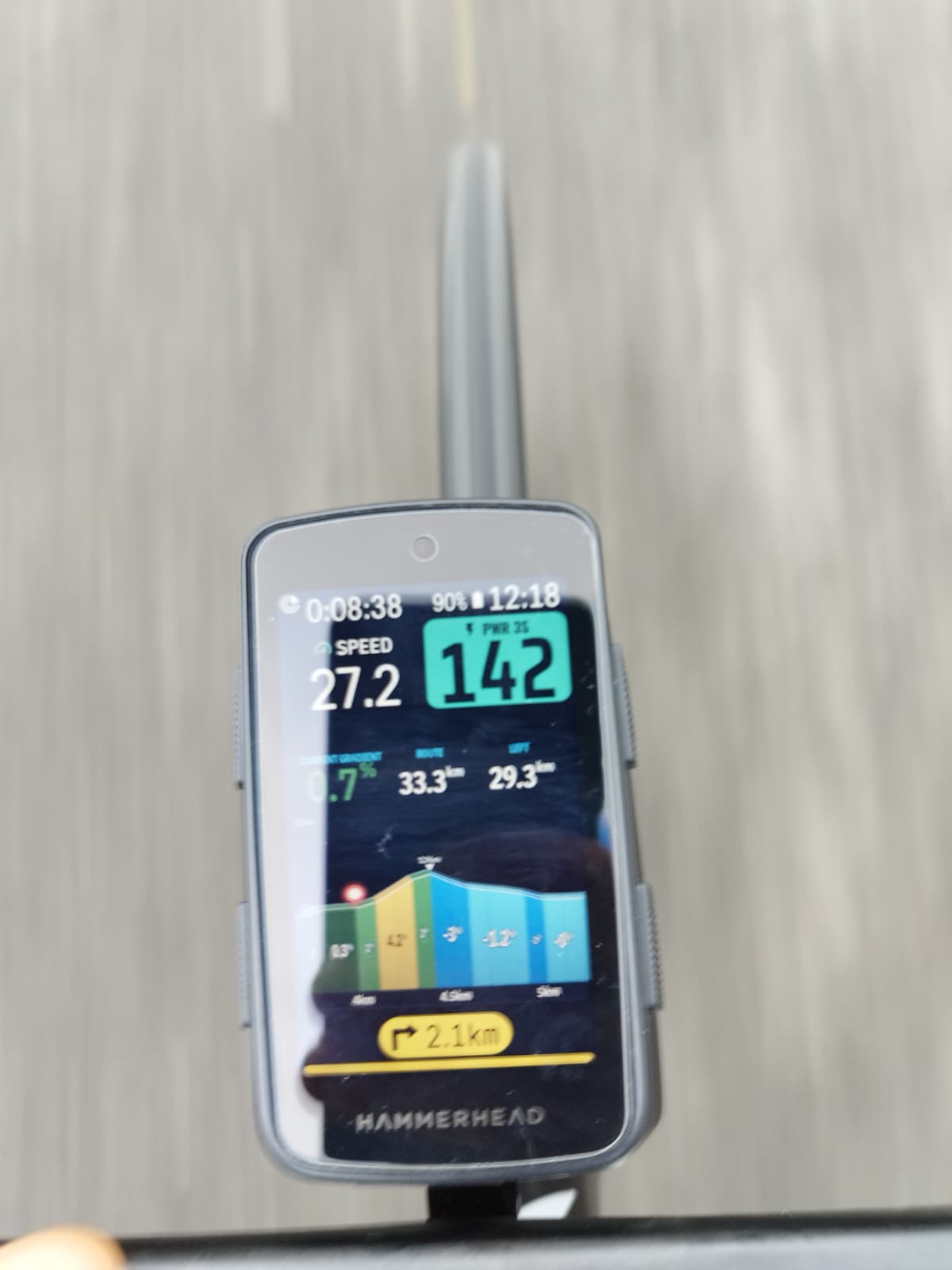
A super picky one.....would you mind centering the numbers within the dotted lines? See images before and after. I know this is for people with OCD like me! :-(
Raining in Ireland today so not sure if I'll get to test the latest version on the road :-(
-
Thanks so much for the kind words, really glad the tap-zoom and the elevation logic feel right now!
Not picky at all, I like it when things line up. In v3.0.13 the Route / Left numbers are now vertically centered between the two dotted lines. If the block ever doesn't fit between them (e.g. with very large fonts), it falls back to sitting just under the top line as before.
There's also a batch of Voice Copilot improvements in this version: the climb summary now includes the summit name and altitude plus your average cadence, the route summary adds cadence, distance to the finish and the start of the next climb, and the "climb gets harder" alert mentions the steepest ramp ahead. Announcements no longer cut each other off, and the average speed now matches the Karoo's own.
Hope the rain clears soon so you can take it out on the road. Let me know how it looks!
-
Some weekend feedback.
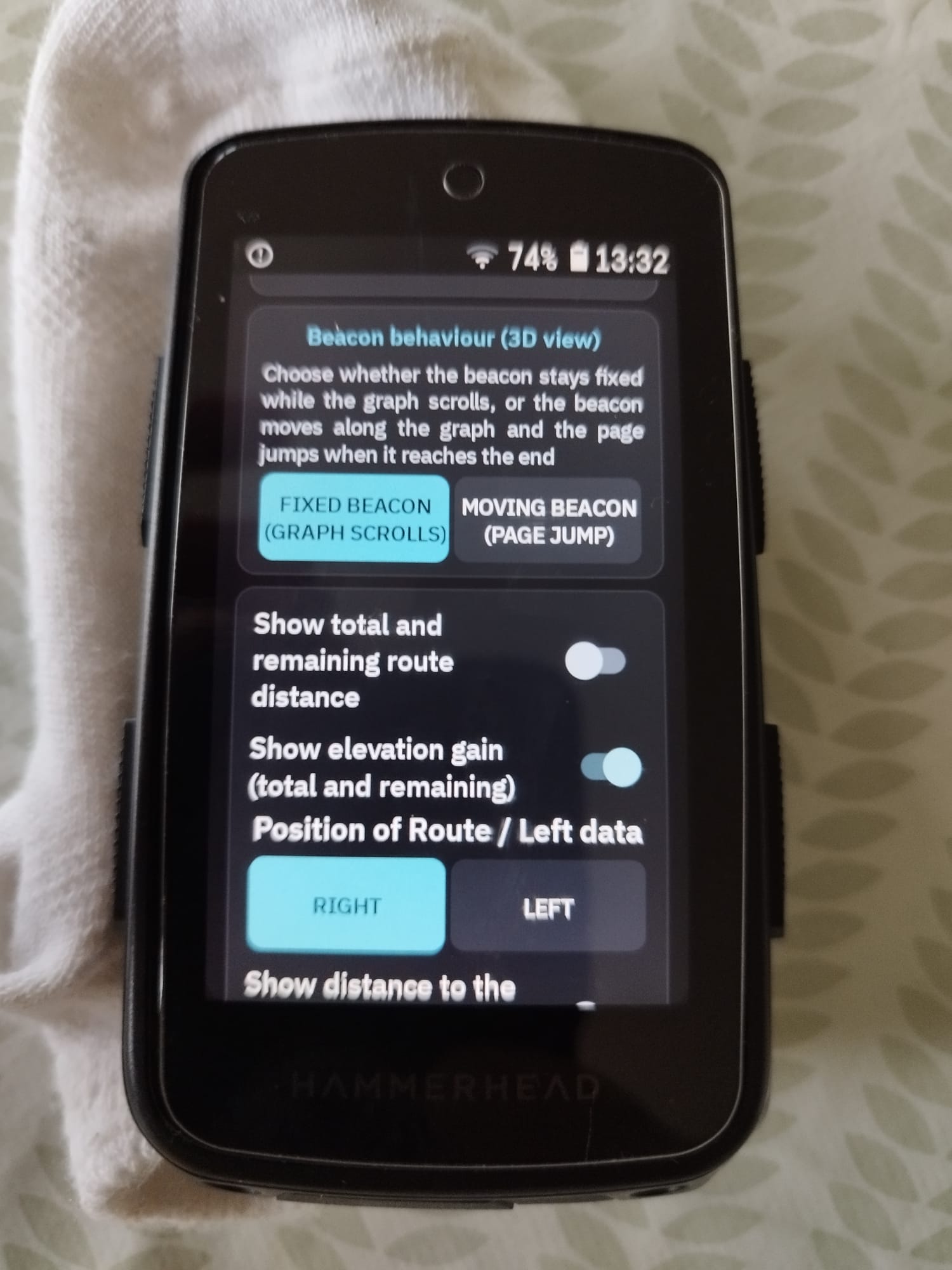
I've used some extension which seem able to use the physical buttons to action functions in the extension? Would it be possible to link the physical buttons to the zooming function? I'd be great if could use the same which it is used got the Karro map page where left button long press zooms out and right butto long press zooms in.
Thanks again for the work in the extension. Working great! 👍
Please sign in to leave a comment.
Comments
101 comments