You will able to get the 3D view of the map by swiping up with 2 fingers on the map when in-ride or editing the layout. Use 2 fingers to swipe left and right alternatively to swivel around.
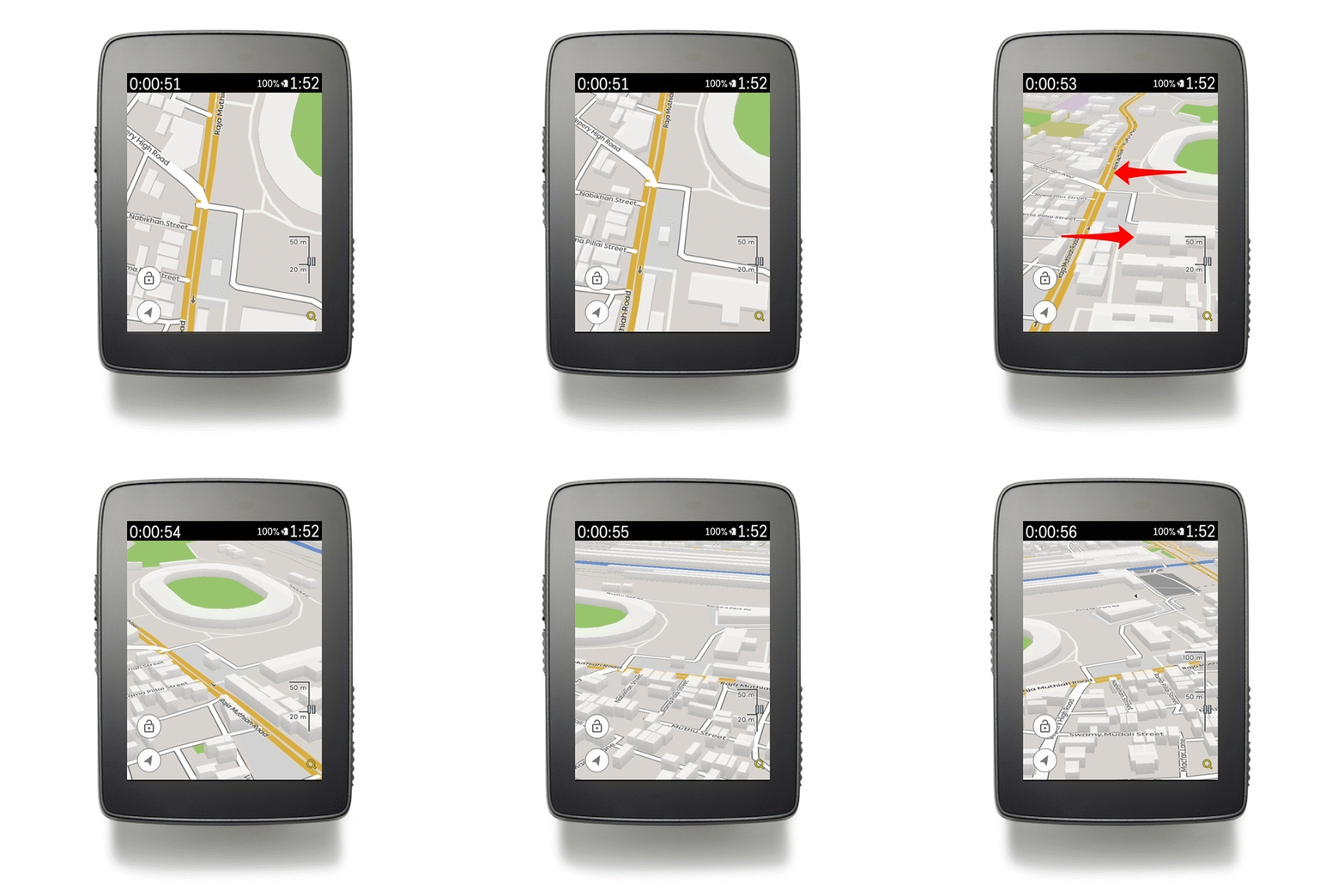

You will able to get the 3D view of the map by swiping up with 2 fingers on the map when in-ride or editing the layout. Use 2 fingers to swipe left and right alternatively to swivel around.
Comments
0 comments
Article is closed for comments.