Strava routes can't sync with Dashboard and K2
Answered
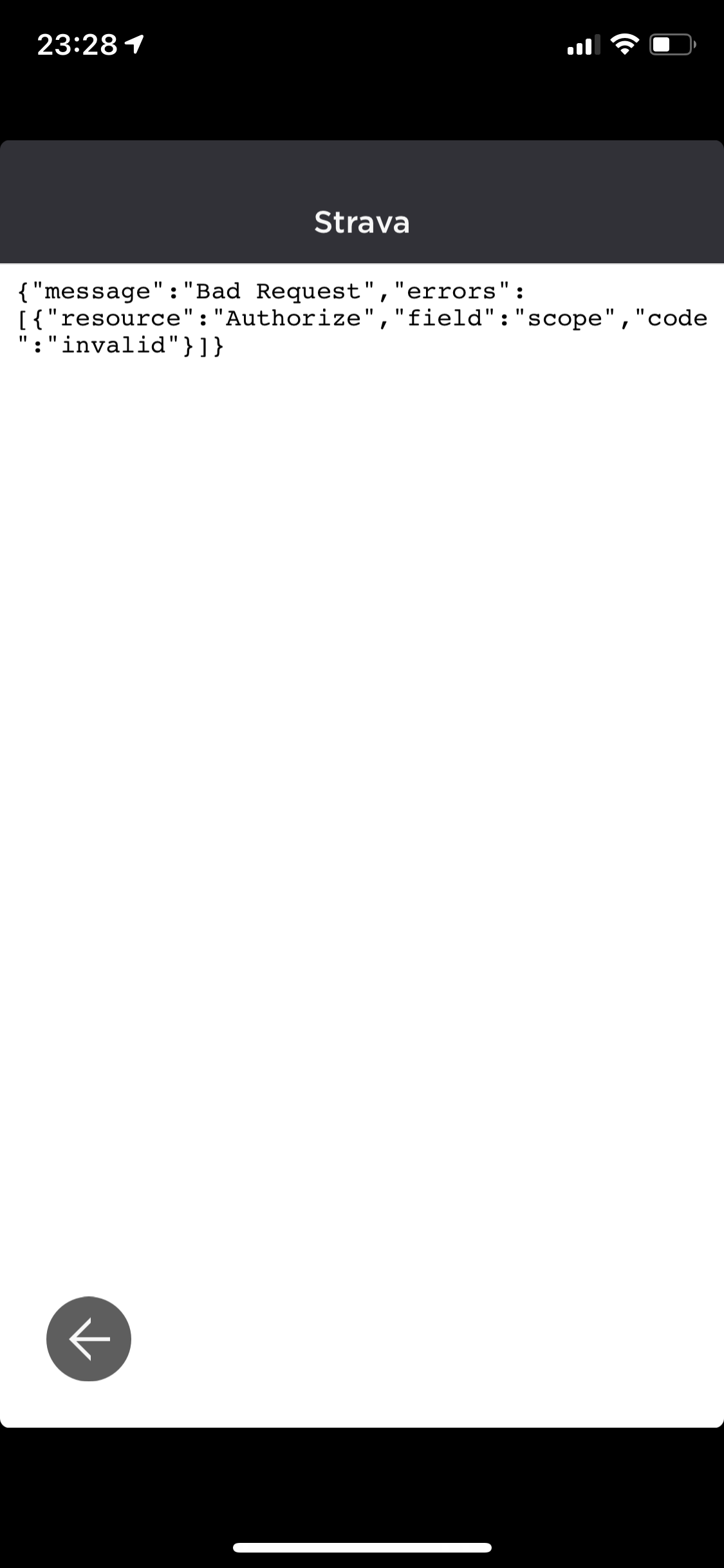
As I say in topic, I can't today (after update) sync any routes from Strava to Hammerhead before that was automatically. Now it's not working, even if I try to import route from Strava by URL on HH Dashboard.
-

Not sure if it's related, but I updated the latest software on 3/25/21, and did my first ride today. The ride uploaded to my HH dashboard, but didn't automatically sync to Strava (while all previous rides successfully uploaded automatically). I disconnected/connected account link and it still didn't work. In the HH dash I tried to use the ride sync feature and selected Strava, but received the following error: "Cannot upload this .FIT file (error: other error)".
I then tried to work around Strava, and linked my Training Peaks file, and I was able to Sync via HH. I then created another fake ride, saved it and TP automatically uploaded it, but still no luck with getting the file to upload to Strava.
Additionally, I confirmed wifi was connected. Ultimately, I downloaded the ride file from the HH dashboard, then manually uploaded the file to Strava. The ride in Strava looks identical to the HH dash, but for some reason the auto upload to Strava seems to have broken in the last update.
-

Hey Guys,
We had pinned a post regarding an outage with strava uploads on the General Discussions group :)https://support.hammerhead.io/hc/en-us/community/posts/1260802084310--OUTAGE-Strava-upload-issues
We also see reports that the rides are uploading on to strava now, Please do try the workaround given on the post and let us know if you still face it? :)


Please sign in to leave a comment.
Comments
5 comments